
Top 23 Free Minimal Logo Reveal Templates for Premiere Pro
Table of Contents
ToggleBring a clean and professional touch to your brand with these 23 free minimal logo reveal templates for Premiere Pro. Each template is modern, fully customizable, and perfect for YouTubers, filmmakers, or anyone looking to create a stylish logo animation in minutes.
No-Code Online Logo Intros (Edit & Render in Your Browser)
💡 Exclusive Perk for Our Readers: Don’t have Premiere Pro or After Effects? You can create professional logo reveals directly in your web browser using Placeit. Use promo code at checkout to get 15% OFF your single purchase or unlimited subscription!
> 👉 [Claim Your 15% Discount & Create Logo Now](https://1.envato.market/YzvVe)
Free to download
Give your brand a high-tech edge with this futuristic logo reveal template. Featuring glowing holographic accents and sleek cybernetic graphics, it’s designed to instantly captivate gaming channels, tech reviewers, and digital brands—all edited directly in your browser with zero rendering strain on your computer.
Best For: Gaming channels, tech creators, AI startups, and stream intros
Key Feature: 100% Online Editing / Instant Cloud Render
Free to download
Make a dynamic statement with this bold and energetic logo reveal template. Featuring punchy typography, sharp geometric accents, and high-impact motion design, it’s crafted to immediately grab attention for action sports channels, streetwear brands, energetic vlogs, and promotional intros.
Best For: Sports brands, urban streetwear, action vlogs, and bold YouTube channels
Key Feature: 100% Online Customization / Fast Cloud Rendering
Free to download

A heartfelt and impactful video intro template designed for cause-driven campaigns, community support projects, non-profits, and charity initiatives. It presents your logo and message with a clean, respectful, and high-quality aesthetic—fully customizable in your browser without any editing software.
Best For: Non-profit organization videos, community awareness campaigns, charity drives, and meaningful brand stories
Key Feature: 100% Online Editing / Easy Text & Logo Customization
Free Premiere Pro & After Effects Logo Intros via Uppbeat
Uppbeat.io offers a generous Free Creator Plan that lets you download up to 3 free logo templates per month (plus free royalty-free music & SFX). If you need unlimited downloads for active content creation, you can upgrade to their Premium plan anytime!
Free to download
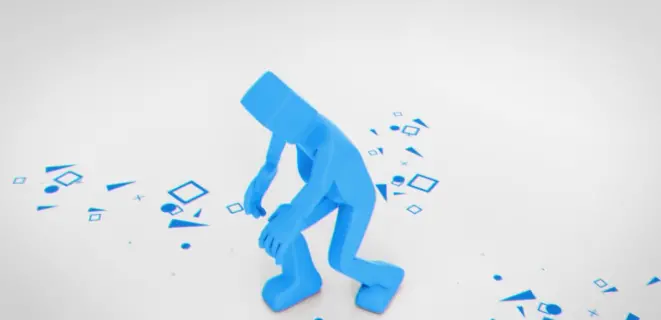
Inject personality into your brand with this engaging, character-animated business intro. Featuring clean 2D character motion and crisp vector graphics, it’s tailor-made for agency intros, corporate explainers, startup launches, and professional service videos.
Best For: Corporate explainers, agency promos, consulting services, and startup intros
Key Feature: High-Quality 2D Character Motion Design
Free to download
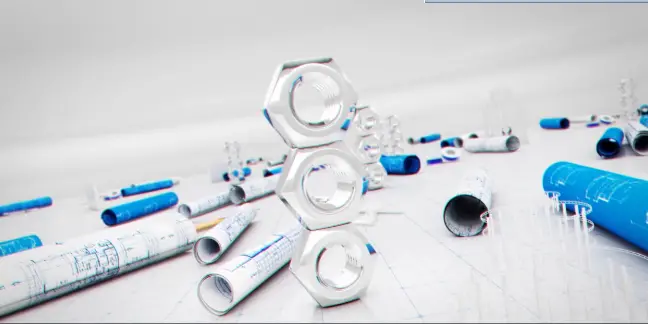
Give your brand a technical, precision-crafted look with this blueprint-style logo reveal. Featuring technical schematic lines and architectural grid layouts, it’s ideal for engineering firms, architecture studios, construction companies, and tech startups.
Best For: Engineering companies, architecture studios, tech hardware brands, and drafting portfolios
Key Feature: Clean Architectural & Schematic Line Art Motion
Free to download
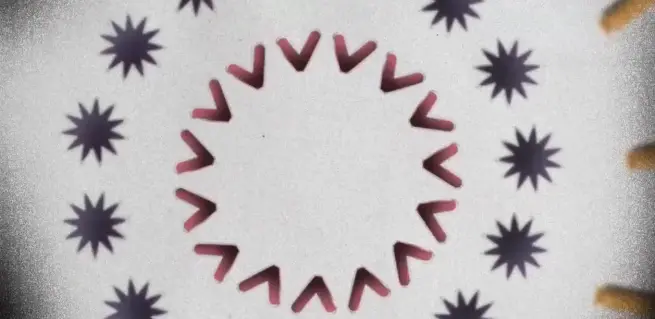
Bring a trendy, retro-analog edge to your intro with this noise-textured logo reveal. Featuring dynamic grain, subtle flicker effects, and distorted typography accents, it’s ideal for music producers, streetwear brands, hip-hop channels, and indie filmmakers.
Best For: Music channels, urban fashion brands, creative vlogs, and indie film intros
Key Feature: Trendy Grain & Analog Noise Texture Effect
Free Independent Creator Logo Intros via Gumroad ($0+)
Free to download
Give your branding a sleek, modern touch with this simple flip logo reveal. Featuring smooth 3D-style flip transitions and clean typography controls, it allows you to present both your logo and brand tagline effortlessly—fully editable right inside Premiere Pro.
Best For: Tech startups, YouTube intro bumpers, digital agencies, and minimal content creators
Key Feature: Smooth 3D Flip Motion & Native Premiere Pro Editing (MOGRT)
Free to download
Add an inquisitive, investigative touch to your video opener with this magnifying glass logo reveal. Featuring a detailed magnifying lens effect that slides over text to spotlight your logo, it’s ideal for research channels, documentary intros, mystery content, and analytical reviews.
Best For: Educational videos, documentary intros, tech breakdown channels, and investigative reviews
Key Feature: Dynamic Magnifying Lens Effect & Fully Editable Text (MOGRT)
Free to download
Give your brand a modern, edge-driven look with this subtle glitch logo reveal. Featuring fast electronic distortion, crisp digital artifacts, and clean typography integration, it’s ideal for tech creators, YouTube gaming intros, cyber security channels, and electronic music producers.
Best For: Tech channels, gaming intros, cyber security brands, and digital media creators
Key Feature: Energetic Digital Glitch & Distortion Effects
Free to download
Keep it clean, subtle, and sophisticated with this minimal typography logo reveal. Featuring crisp text animations and seamless smooth fade transitions, it puts a strong focus on your brand statement and title—making it a perfect fit for agency showreels, modern corporate intros, and minimalist YouTube channels.
Best For: Creative agencies, modern startups, corporate presentations, and aesthetic vlogs
Key Feature: Smooth Typography Animations & Clean Minimal Layout
Free to download
Frame your brand with a artistic touch using this photographic-style logo reveal. Featuring realistic camera shutter effects, subtle photo grid overlays, and clean lens flares, it’s tailor-made for photography portfolios, videographers, lifestyle channels, and creative studios.
Best For: Photography channels, video production studios, travel vlogs, and creative portfolios
Key Feature: Realistic Camera Shutter & Aperture Motion Design
Free YouTube Creator Logo Intros (Direct Motion Graphics)
These free templates are created and shared by video editors on YouTube. Simply click the link to watch the full video preview, and you’ll find the direct download link (Google Drive / MediaFire) right inside the video description!
Free to download
Add a sleek, high-end look to your videos with this modern minimal logo reveal. Featuring smooth shape transitions and a clean focal reveal, it’s perfect for YouTube intros, corporate branding, and minimalist video openers.
Best For: YouTube creators, tech reviews, lifestyle channels, and corporate videos
Key Feature: Clean Minimal Vector Motion Design
Free to download
Illuminate your brand with this high-energy neon logo reveal. Featuring vibrant glowing line effects, dark atmospheric contrast, and crisp motion graphics, it’s tailor-made for esports channels, streaming overlays, tech reviewers, and nightlife event promos.
Best For: Gaming channels, esports teams, tech content, and night events
Key Feature: Dynamic Glowing Neon & Atmospheric FX
Free to download
Give your brand a futuristic, tech-driven edge with this dynamic glitch logo reveal. Featuring digital noise distortions, fast-paced glitch cuts, and striking typography highlights, it’s a perfect match for gaming channels, tech reviewers, esports intros, and digital content creators.
Best For: Gaming channels, tech reviews, esports intros, and digital media brands
Key Feature: Fast Digital Distortion & Glitch FX
Free Motion Array Logo Intros for Premiere Pro
Motion Array offers a selection of 100% Free Templates. To download them, simply create a free account (no credit card required), look for assets marked with the “Free” badge, and click Download!
Free to download
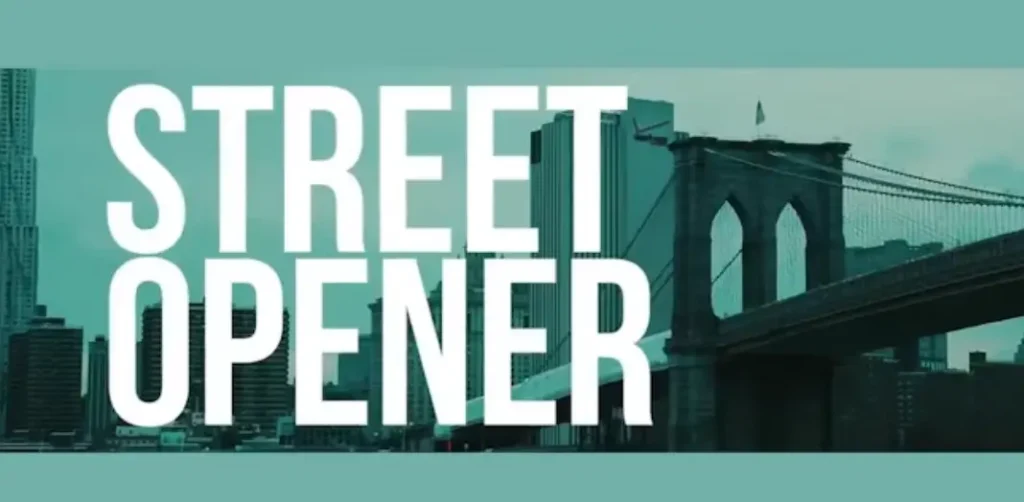
Bring a high-energy, urban vibe to your video intro with this fast-paced street opener. Featuring snappy cuts, bold typography overlays, dynamic transition effects, and glitch textures, it’s tailor-made for action sports, hip-hop music videos, streetwear promos, and urban vlogs.
Best For: Action sports channels, streetwear brands, hip-hop music promos, and urban lifestyle vlogs
Key Feature: Energetic Urban Rhythm & Fast-Paced Transition FX
Free to download
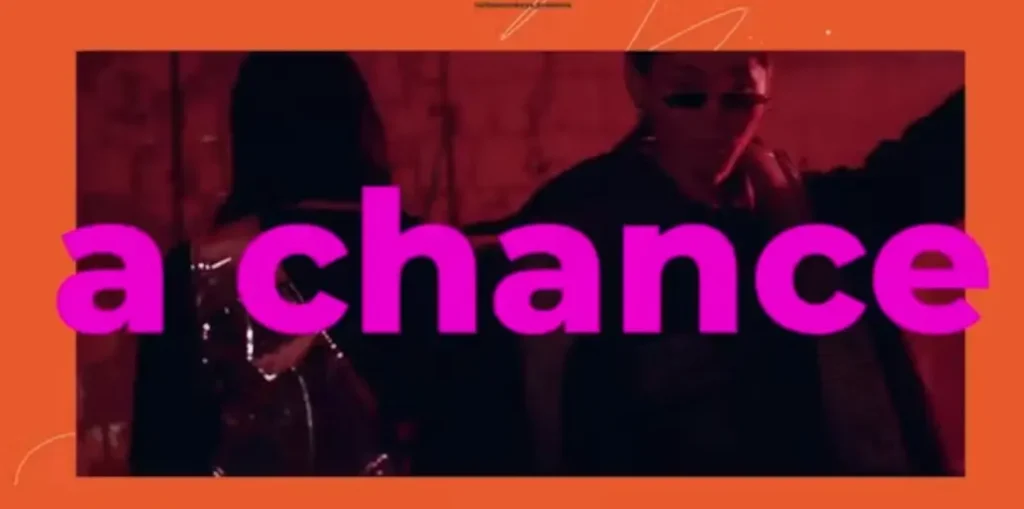
Make a dramatic impact with this high-intensity action opener. Designed with bold dynamic text transitions, cinematic zoom-ins, fast glitch cuts, and striking visual overlays, it’s built to bring maximum energy to sports promos, action trailers, gaming intros, and fitness brand videos.
Best For: Sports promos, fitness channels, gaming teasers, and high-energy trailers
Key Feature: High-Impact Cinematic Motion & Dynamic Glitch Cuts
Free to download
Display your brand with a visual, multi-image showreel vibe using this photo logo reveal. Featuring dynamic image drop-zones, smooth camera zooms, clean grid layouts, and a focal logo landing, it’s tailor-made for photography portfolios, travel vlogs, personal branding, and creative agency intros.
Best For: Photography channels, travel vlogs, personal portfolios, and agency showreels
Key Feature: Dynamic Multi-Photo Grid & Smooth Focal Zoom
Free to download
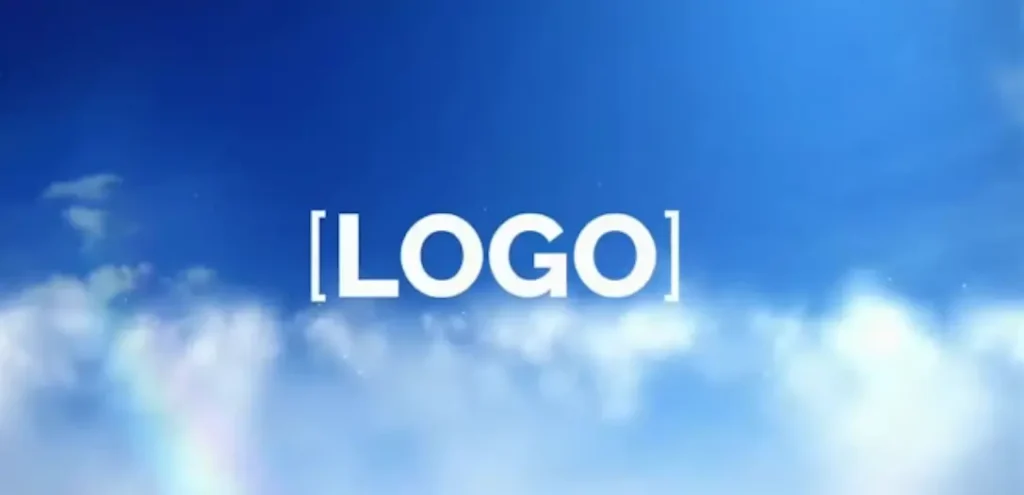
Give your brand an airy, modern visual feel with this cloud logo reveal. Featuring realistic procedural cloud motion, dynamic camera fly-throughs, and clean lighting highlights, it’s a perfect fit for cloud computing services, SaaS platforms, weather apps, travel vlogs, and dream-inspired brand openers.
Best For: Cloud software (SaaS), tech platforms, travel channels, and modern brand intros
Key Feature: Realistic Procedural Cloud Simulation & 3D Camera Fly-Through
Free to download
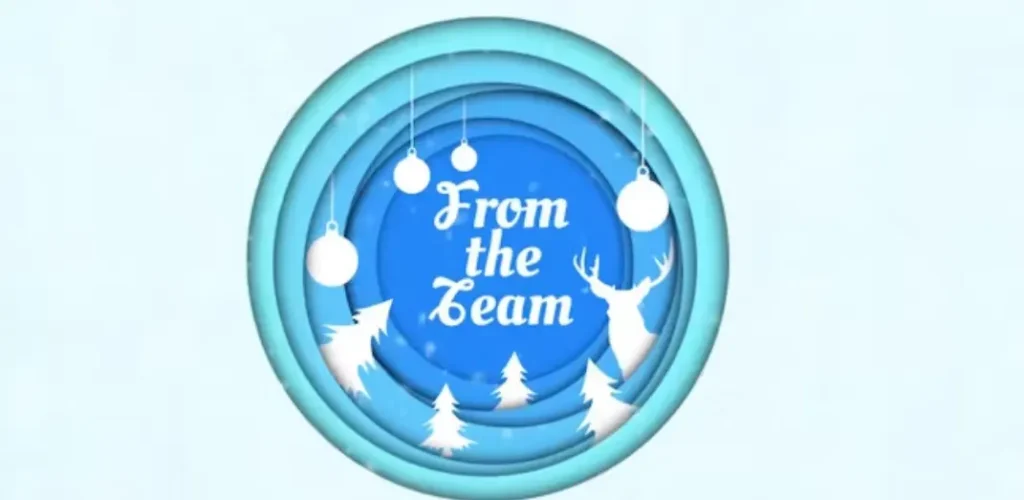
Bring a tactile, creative craft feel to your video opener with this snow paper logo reveal. Featuring realistic torn paper textures, subtle snow grain overlays, and organic unfold animations, it’s tailor-made for winter promos, artistic channels, handcrafted brand videos, and holiday openers.
Best For: Winter marketing promos, creative agency intros, handmade product showcases, and holiday vlogs
Key Feature: Realistic Torn Paper Texture & Organic Unfold Animation
Free MotionElements Logo Intros for Premiere Pro
MotionElements provides a dedicated collection of Free Motion Graphics Templates. Simply create a free account, navigate to the template page, and click “Free Download” to get your file instantly!
Free to download
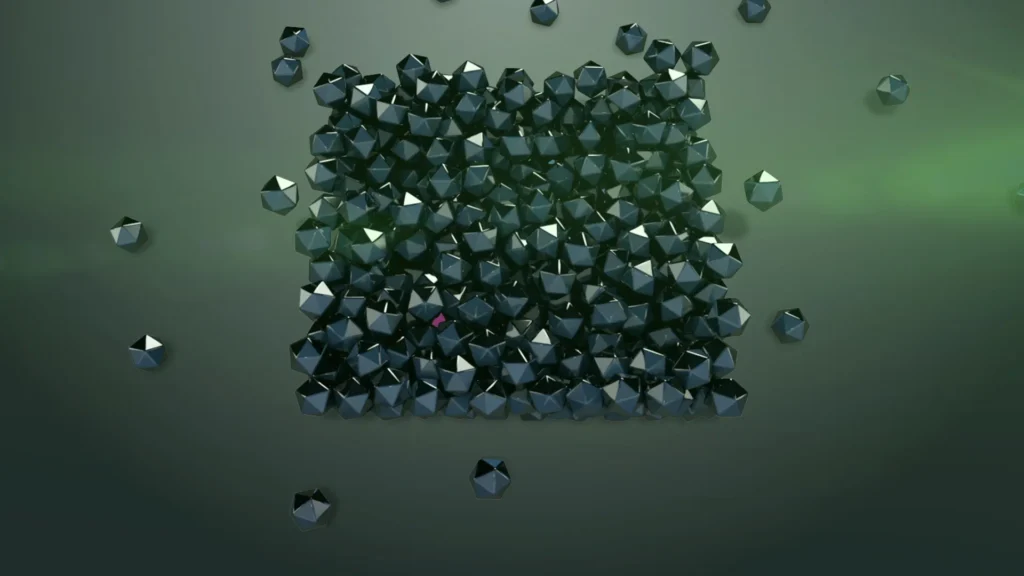
Bring a heavy, high-impact feel to your brand opening with this dynamic falling logo reveal. Featuring realistic physics, dramatic ground-shattering impact effects, and crisp typography highlights, it’s ideal for action sports, fitness channels, gaming teasers, and industrial brand intros.
Best For: Sports promos, fitness branding, gaming teasers, and industrial intros
Key Feature: High-Impact Physics Simulation & Dramatic Particle FX
Free to download
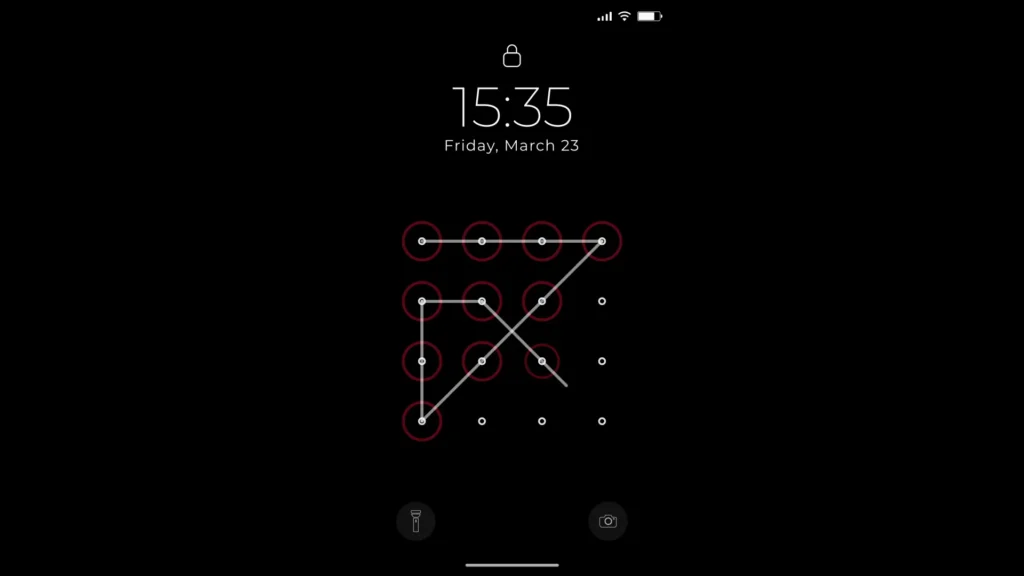
Give your social media channels a modern, mobile-first look with this phone unlock logo reveal. Featuring a sleek smartphone screen UI, smooth unlocking swipe animation, and interactive app notifications, it’s tailor-made for mobile app promos, Instagram/TikTok creators, digital influencers, and tech brand openers.
Best For: Mobile app promos, social media creators, digital marketing videos, and tech influencers
Key Feature: Realistic Smartphone UI & Smooth Screen Unlock Animation
Free to download
Give your brand a clean, contemporary frame with this animated shape logo reveal. Featuring smooth vector line animations, geometric shapes, and crisp typography transitions, it’s ideal for corporate presentations, business promos, agency portfolios, and modern brand openers.
Best For: Corporate presentations, business promos, agency portfolios, and marketing videos
Key Feature: Smooth Vector Shape Motion & Clean Geometric Frame
Free to download
Bring a vibrant, artistic flair to your video intro with this swirling colors logo reveal. Featuring dynamic fluid color motion, smooth light blend effects, and crisp typography transitions, it’s tailor-made for creative agencies, art studios, beauty channels, and colorful brand promos.
Best For: Creative studios, art channels, beauty promos, and vibrant brand openers
Key Feature: Dynamic Fluid Color Swirl & Artistic Blend FX
How to Customize Free Logo Intros in Premiere Pro (Step-by-Step)
Customizing a Motion Graphics Template (.mogrt) or Premiere Pro project file is fast and beginner-friendly. Follow these simple steps:
Import the Template:
Open Adobe Premiere Pro and navigate to the Essential Graphics panel (
Window > Essential Graphics).Click the “+” (Install Motion Graphics Template) icon at the bottom right corner and select your downloaded
.mogrtfile.
Add to Your Timeline:
Drag and drop the template from the Essential Graphics panel directly onto your sequence timeline.
Replace Logo & Edit Text:
Select the clip on your timeline and open the Edit tab inside the Essential Graphics panel.
Drag your logo file (preferably a transparent PNG or vector file) into the Logo Drop Zone / Placeholder.
Double-click the text fields to update your brand name, tagline, or web URL.
Adjust Styling & Render:
Customize colors, scale, position, and light effects using the available slider controls.
Export your video in high resolution (1080p or 4K) with matching audio sound effects!
Best Practices for Choosing the Right Logo Reveal
To ensure your logo intro enhances your brand identity without annoying your audience, keep these key tips in mind:
Keep It Short (3 to 5 Seconds): Modern audience attention spans are short. A concise 3–5 second logo intro retains viewers while maintaining a crisp, high-end feel.
Use Transparent Logos (PNG/SVG): Always import high-resolution logos with a transparent background to prevent ugly white bounding boxes around your design.
Match Your Brand Niche: Choose an animation style that aligns with your content focus—glitch/neon for gaming and tech, minimal/clean for corporate, or organic textures for lifestyle and art.
Add Impactful Sound FX (SFX): A great logo animation feels incomplete without audio. Pair your visual reveal with subtle camera shutters, digital glitches, or soft whooshes for maximum punch.
Frequently Asked Questions (FAQ)
Can I use these free logo templates for commercial projects?
Yes! Most templates listed allow both personal and commercial use. However, always double-check the specific license file included in your download or noted on the source page.
Do I need advanced Adobe Premiere Pro skills?
Not at all. These templates are engineered with drop zones and customizable sliders. Basic knowledge of dragging files onto your timeline and editing text fields in the Essential Graphics panel is all you need.
What if my logo background is not transparent?
You can easily remove white or solid backgrounds using Premiere Pro’s built-in Ultra Key effect, or convert your image to a transparent PNG using free online background removers before importing.
What is the difference between a .MOGRT file and a Premiere Pro (.prproj) project?
.MOGRT (Motion Graphics Template): An all-in-one motion preset designed to be installed and edited directly inside Premiere Pro’s Essential Graphics panel.
.PRPROJ: A full Premiere Pro project file containing individual timeline sequences, layers, and pre-comps.
Affiliate Disclosure: TRENDSLOGO.COM participates in affiliate marketing programs. When you click on links to services like Placeit or Motion Array and make a purchase, we may earn a small commission at no extra cost to you. We only recommend products and templates we truly trust.