
15 Free Particle & Energy Gaming Intro Templates for After Effects
Inject raw, dynamic energy into your channel with this collection of 15 free particle and energy gaming intro templates designed for Adobe After Effects. Featuring stunning light effects, celestial particles, and fierce elemental bursts, these free AE templates are perfect for adding high-impact polish to your streaming content or YouTube videos. Download these free gaming logo reveals today and customize the colors and particles to match your brand's unique style.
⚡ 15 Dynamic Energy & Particle Logo Reveals (.AEP)
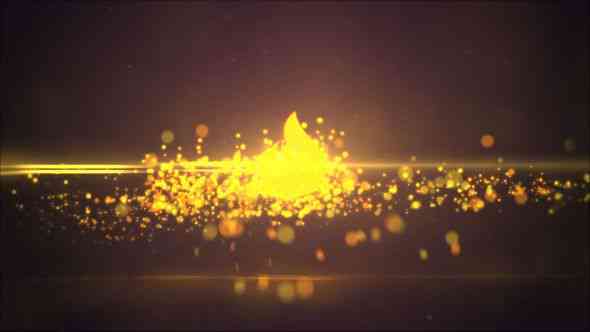
1. Stardust Cinematic Logo Reveal
A mesmerizing and cinematic logo reveal using shimmering stardust particles and deep, cosmic light. This free AE template is perfect for space-themed gaming or large-scale adventure titles.

2. Lightborne Epic Opener
A powerful and epic opener driven by intense lightborne energy rays. This template ensures a rapid, dominating entrance for competitive gaming channels and e-sports organizations.
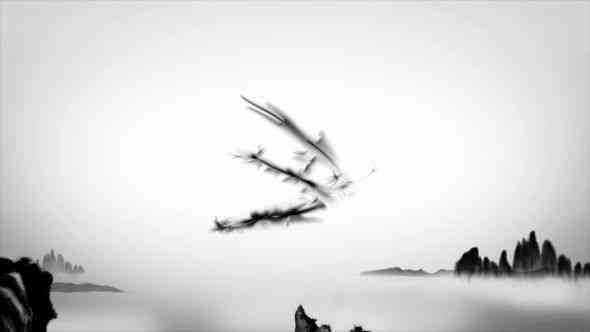
3. Ember Trails Dramatic Intro
A highly dramatic intro featuring glowing ember trails and fiery light sources. This After Effects template is ideal for channels focused on combat, destruction, or dark fantasy games.

4. Radiant Particles Reveal
A dynamic free AE template where bright radiant particles stream toward the logo, converging into a blinding flash. A clean, modern, and highly energetic logo reveal.

5. Burning Halo Title Reveal
This powerful Burning Halo effect uses an intense ring of fire and light to unveil the logo. It's a visually spectacular choice for a dramatic and epic gaming intro.
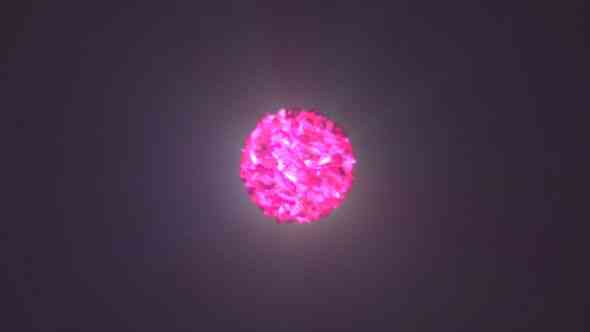
6. Aura Drift Cinematic Logo
A flowing and graceful cinematic logo reveal where soft aura drift effects build up and dissolve around the logo. Ideal for narrative-driven content and atmospheric games.

7. Solar Dust Explosion Intro
A colossal solar dust explosion effect that creates a massive burst of light and particles. This template is designed for the most impactful and epic gaming logo reveals.

8. Firestorm Glow Reveal
A fierce Firestorm Glow animation utilizing swirling fire particles and intense orange light. This free AE template is a classic choice for high-action and competitive gaming streams.

9. Crystal Spark Opener
A clean yet energetic Crystal Spark Opener where small, sharp particles converge to form the logo. Ideal for channels needing a sophisticated, high-tech, and dynamic look.
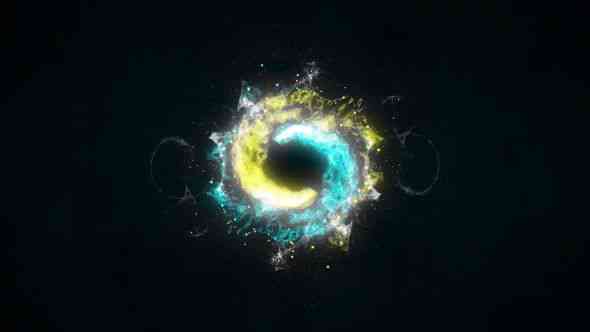
10. Ascend Light Cinematic Intro
A majestic Ascend Light cinematic intro where light streams vertically to reveal the logo from below. This template conveys growth, power, and prestige for your brand.

11. Particle Surge Gaming Intro
A relentless particle surge effect where a wave of energy sweeps across the screen to reveal the logo. Perfect for fast-paced content and aggressive brand imaging.

12. Neon Burst Battle Reveal
A vibrant Neon Burst effect featuring bright, glitchy colors and a dramatic energy explosion. This free AE template is ideal for futuristic, retro-gaming, and cyberpunk aesthetics.
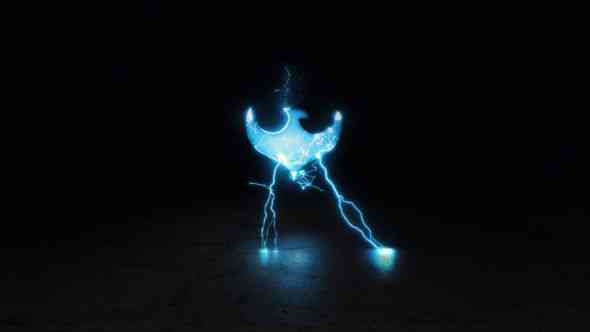
13. Hypercore Particle Explosion
A complex and powerful Hypercore Particle Explosion where energy blasts out from the center, revealing your logo in a brilliant flash. Built for maximum visual impact.

14. Shockwave Particle Strike
A relentless Shockwave Particle Strike effect that uses powerful, radial waves to clear the frame and stamp the logo onto the screen. A high-stakes, dramatic logo reveal.
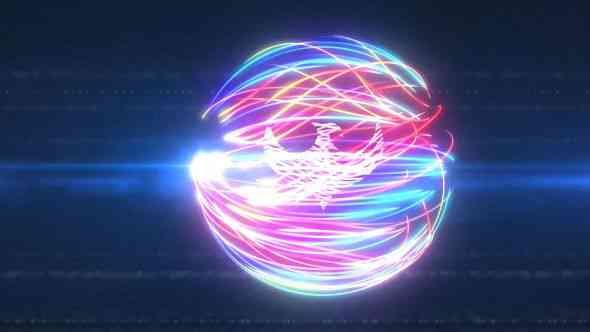
15. Quantum Sparks Logo Reveal
The final template utilizes Quantum Sparks, featuring rapid, electrical particle effects that build and discharge into the final logo. Perfect for high-tech and sci-fi gaming content.
🚀 Quick Usage Guide and Summary
These After Effects project files (.aep) provide professional-grade logo reveals. With minimal customization required, you can achieve a powerful, energy-based look in minutes.
Quick Usage Tips:
- Software Required: Ensure you have Adobe After Effects installed (most templates support CC 2018+).
- Customization: Open the project file and find the Composition labeled "Logo Placeholder" or "Edit Logo Here".
- Replace Logo: Drag your logo image (PNG with transparency recommended) into this composition and hide/delete the original placeholder logo.
- Rendering: Render the final animation, usually at Full HD, to integrate into your video editor.
❓ Frequently Asked Questions (FAQs)
Do these templates require third-party plugins?
Most of these free After Effects templates are built using native AE effects. However, always check the description for each template, as high-end particle effects might require standard plugins (like Particular/Saber, which are sometimes pre-rendered).
Can I change the colors of the energy effects?
Yes. Since you have the full project file, you can easily adjust the colors of the particles, light, and energy using effects like Hue/Saturation or Color Balance controls inside the appropriate composition.
What resolution are these gaming intros?
All templates are typically designed to render in Full HD (1920x1080), which is the standard resolution for most YouTube and Twitch content.
Are the sound effects included in the download?
In most free AE templates, the sound effects are not included due to licensing restrictions. However, the project files will show you where the sound should be placed on the timeline.