
Table of Contents
ToggleIf you’re looking to speed up your workflow, organize your projects, and add professional effects without spending a dime, these six tools and resources offer free versions, trial periods, or essential features that every Premiere Pro user should grab.
Website: https://misterhorse.com/
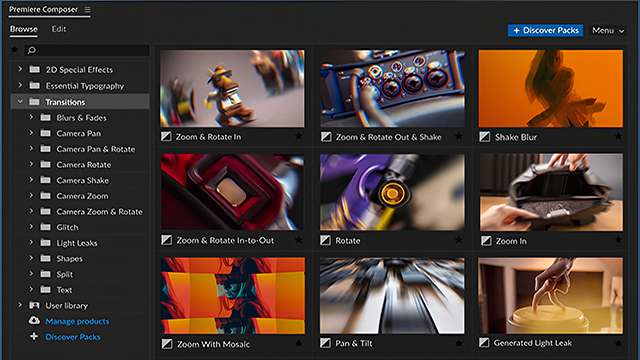
What it is: MisterHorse provides a powerful Animation Composer plugin for Premiere Pro. This plugin is essentially a quick-access library for transitions, text animations, sound effects, and more.
Why download the free version? You can get several “Free Starter Packs” which include essential text presets and effects, allowing you to create complex motion graphics quickly without keyframes.
Website: https://www.smoothify.io/en/
What it is: Smoothify is a plugin designed to create incredibly smooth, high-quality motion blur and frame interpolation (making slow-motion footage look better) directly inside Premiere Pro.
Why download the free version? The FREE version allows you to use its core smoothing features, making shaky or low-frame-rate footage look more professional. The paid version unlocks unlimited projects and advanced controls.

What it is: FilmImpact is famous for its massive library of dynamic video transitions. Their plugins offer smooth, stylish ways to move between clips.
Why download the free version? You can download the full suite as a Trial to test all their transitions. Crucially, their Essentials pack usually includes several high-quality transitions that remain permanently free to use.
Website: https://www.autokroma.com/PlumePack
What it is: PlumePack is a critical tool for Premiere Pro project consolidation and cleanup. It intelligently saves your project by collecting only the media files you actually used, deleting unused files and cache, which is vital for archiving or moving large projects.
Why download the free version? While the full product is paid, the Trial version allows you to fully test its powerful project cleaning features, which can be a lifesaver for complex edits.

What it is: This refers to a specific MOGRT (Motion Graphics Template) or preset. The “Arrow” template provides animated pointers or lines for emphasizing elements on screen quickly.
Why download the free version? This is an essential, often permanently free template for creating dynamic on-screen guides in tutorials and explainer videos.
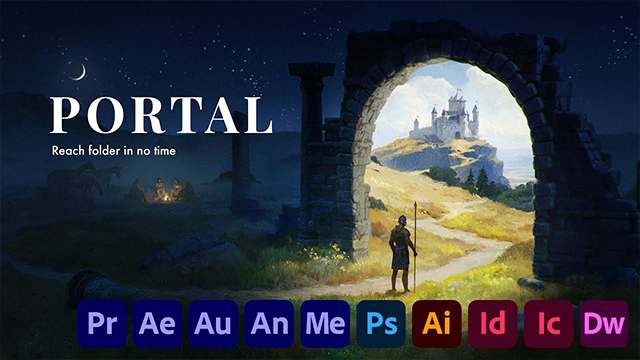
What it is: This is another specific MOGRT or Preset from the same source. The “Portal” resource likely offers an animated overlay or transition effect to quickly move between scenes or locations.
Why download the free version? This provides a professional, ready-to-use transition effect for free, saving you the time of building a complex animation from scratch.
That’s a Wrap: Time to Download and Elevate Your Craft
You don’t need a huge budget to significantly upgrade your editing speed and the quality of your output. Whether you are using MisterHorse to quickly animate text, Smoothify for silky-smooth motion blur, or PlumePack to finally keep your drives clean, these free and trial resources are essential additions to any Premiere Pro toolkit. Stop wasting time on repetitive tasks and start focusing on the creative vision.
What are you waiting for? Click the links above, download these game-changing tools, and tell us in the comments which free plugin you can’t live without!
13 Free Plugins for After Effects (Must-Have Tools)
Tags: free plugins