
Table of Contents
ToggleTransform your typography in seconds. Download the highest-quality Photoshop text effects including futuristic chrome, vintage 80s synthwave, and luxury 3D gold.
Creating complex textures like polished chrome or glowing neon from scratch can take hours of tedious work. Photoshop text effects (PSD Smart Objects) allow you to apply professional-grade styles to your text or logo with just one click.
Whether you’re designing a high-end streetwear brand, a retro-gaming poster, or a sleek corporate identity, these 12 free resources will provide a premium finish without the premium price tag.
Here are the 12 hand-picked effects to level up your design toolkit:
The Look: Sleek, liquid-metal finish with sharp reflections.
Best for: Modern streetwear, Y2K aesthetics, and tech-focused branding.
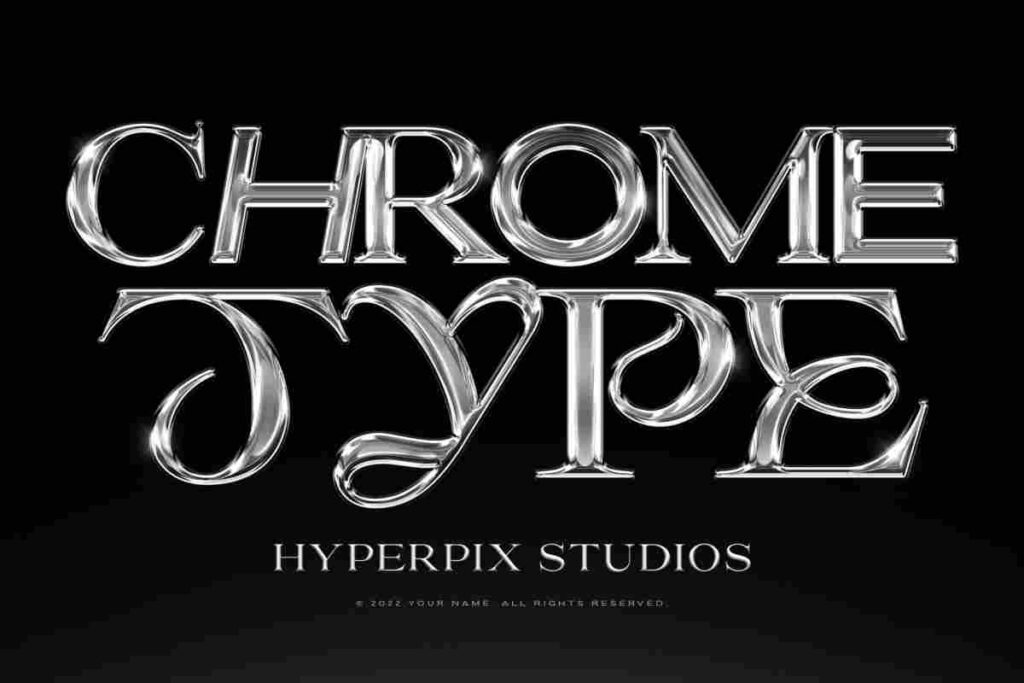
The Look: A high-contrast, mirror-like chrome style with a dark, moody edge.
Best for: Cinematic titles and heavy metal-inspired graphics.
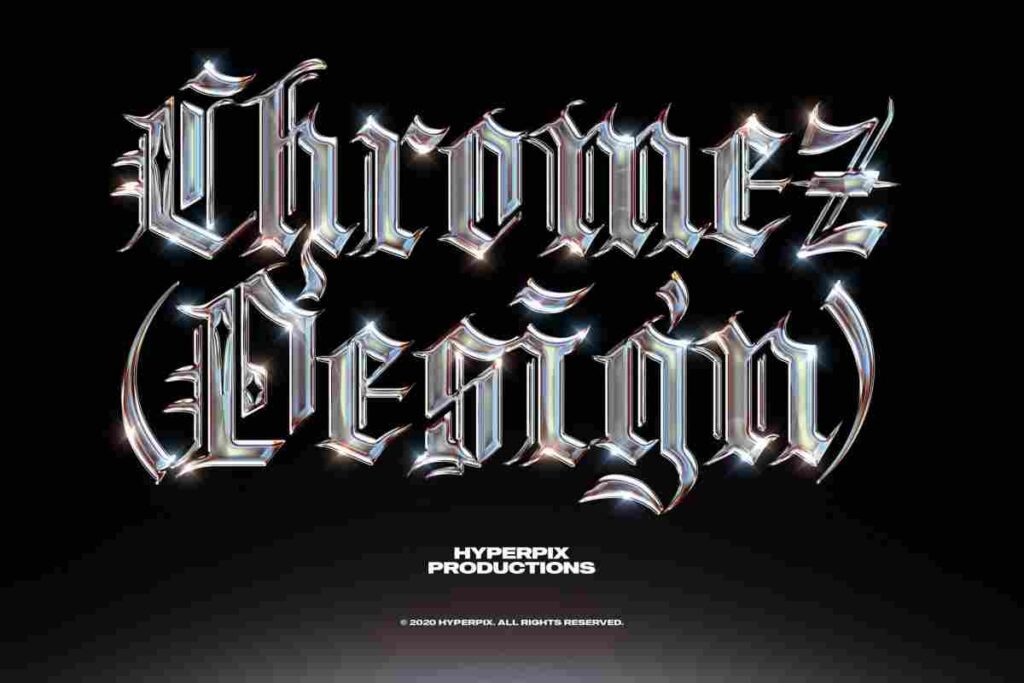
The Look: The iconic 8d pixelated, blocky style synonymous with the world-famous game.
Best for: Gaming thumbnails, YouTube banners, and children’s birthday designs.
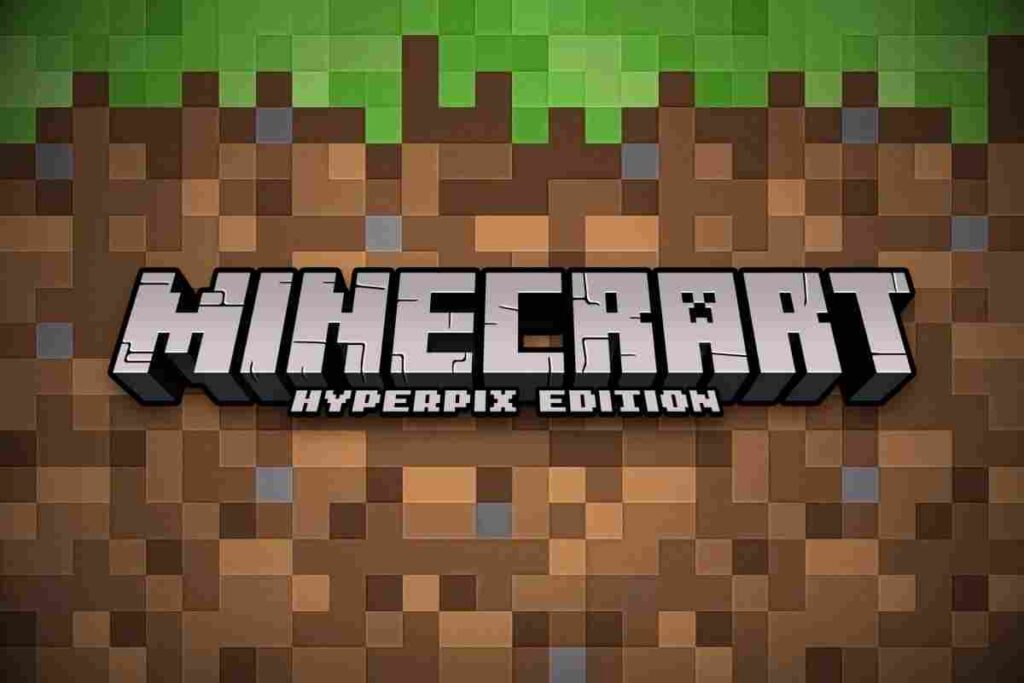
The Look: A clean, bright chrome with soft curves and realistic lighting.
Best for: Clean editorial layouts and high-fashion typography.
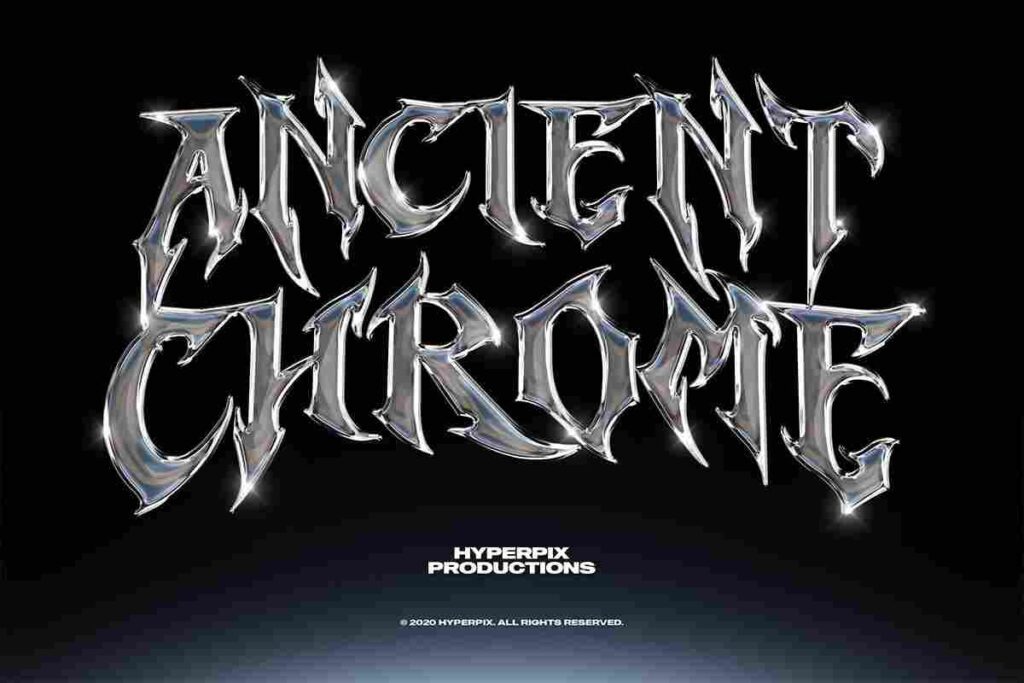
The Look: Soft, organic textures with authentic paint bleeds and paper grain.
Best for: Wedding invitations, feminine branding, and artisanal product packaging.
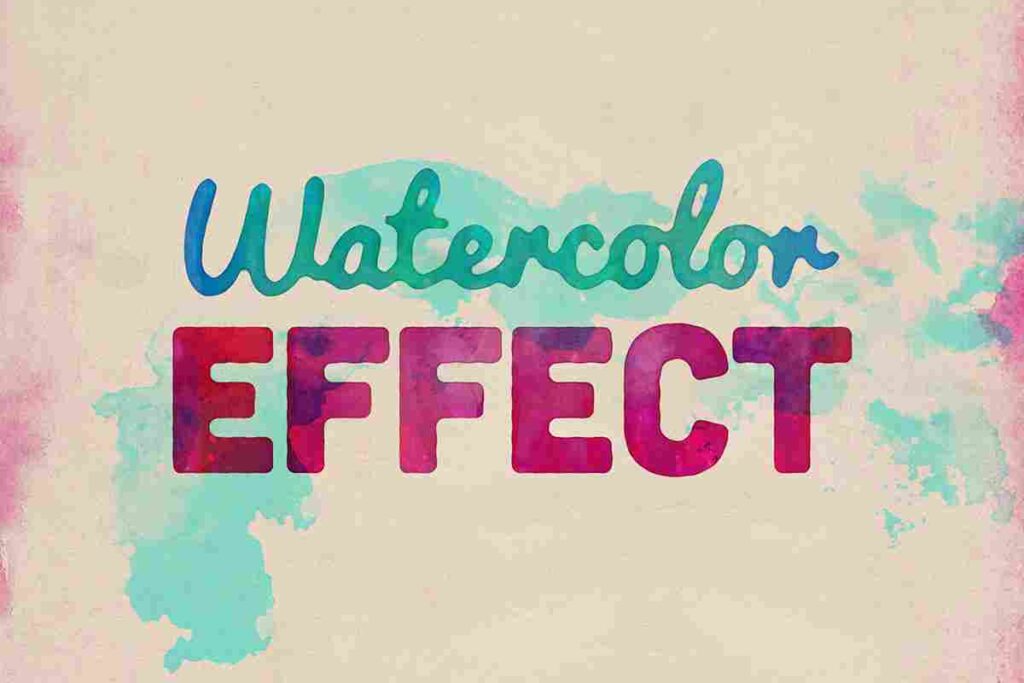
The Look: Bold, extruding 3D shapes with vibrant gradients and retro shadows.
Best for: Retro-themed event posters and 80s nostalgia projects.
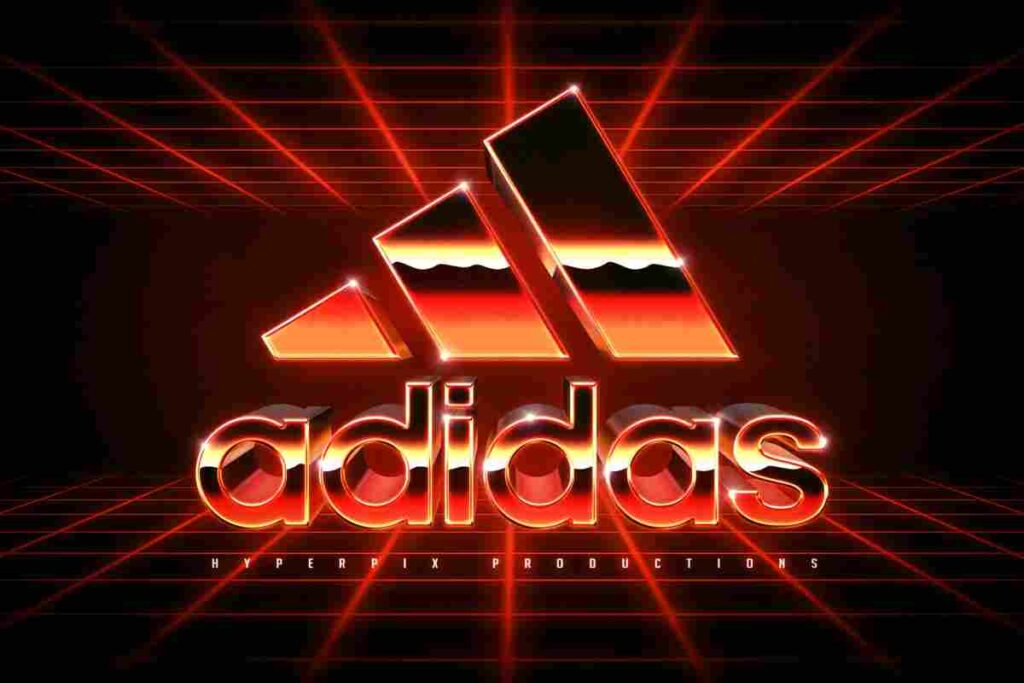
The Look: The quintessential “Synthwave” look—combining metallic chrome with neon pink and purple hues.
Best for: Retrowave album covers and sci-fi movie titles.
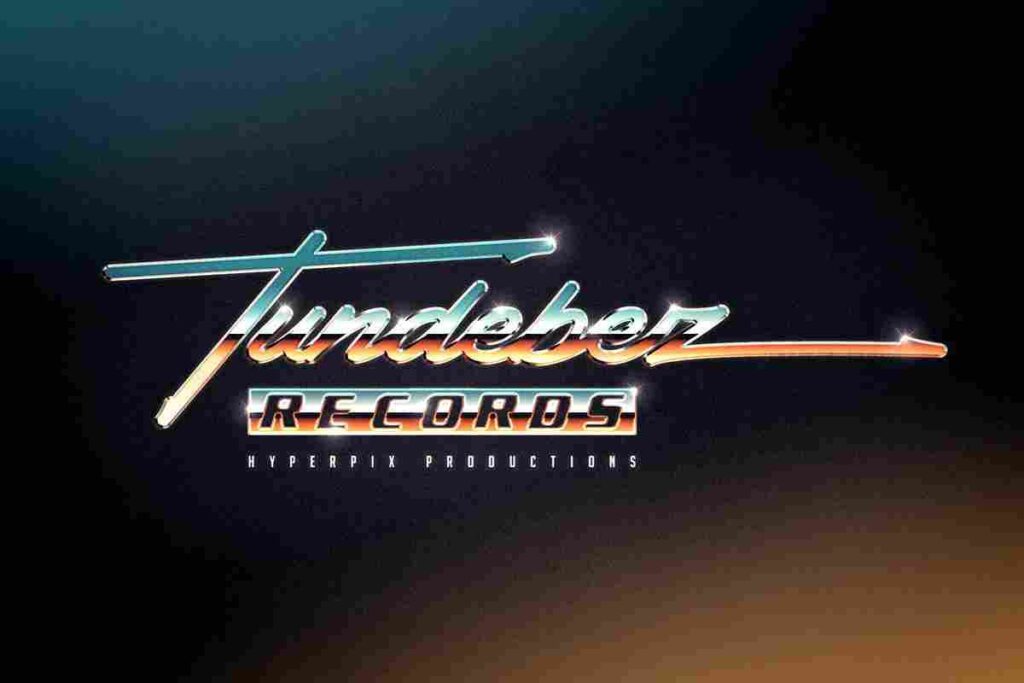
The Look: The foundation of all chrome styles—timeless, glossy, and highly reflective.
Best for: Versatile use across any design needing a premium metallic touch.
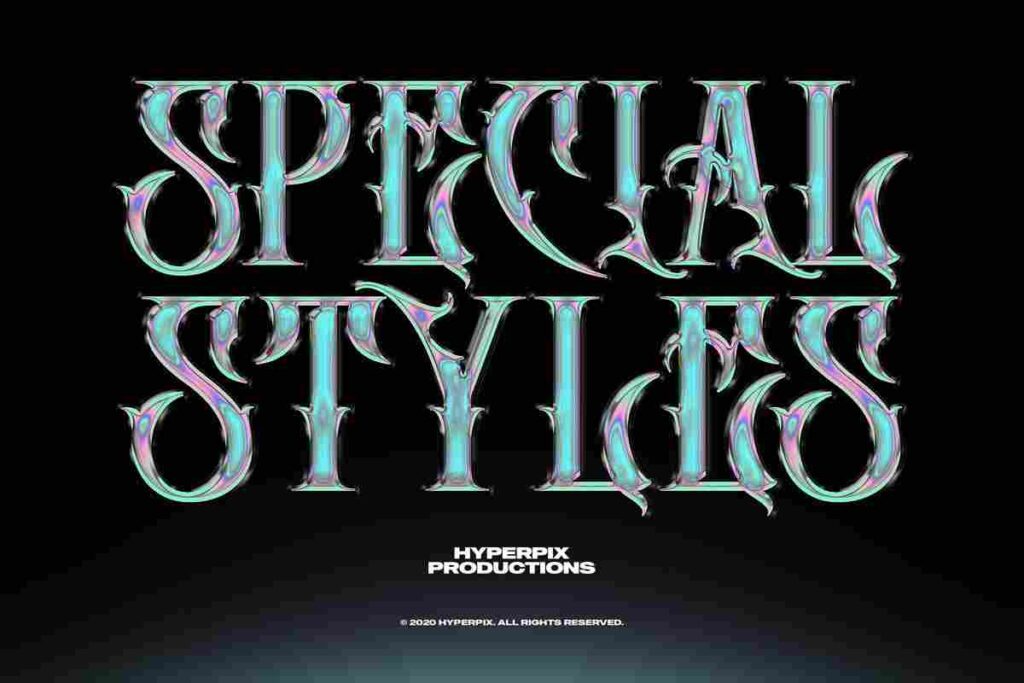
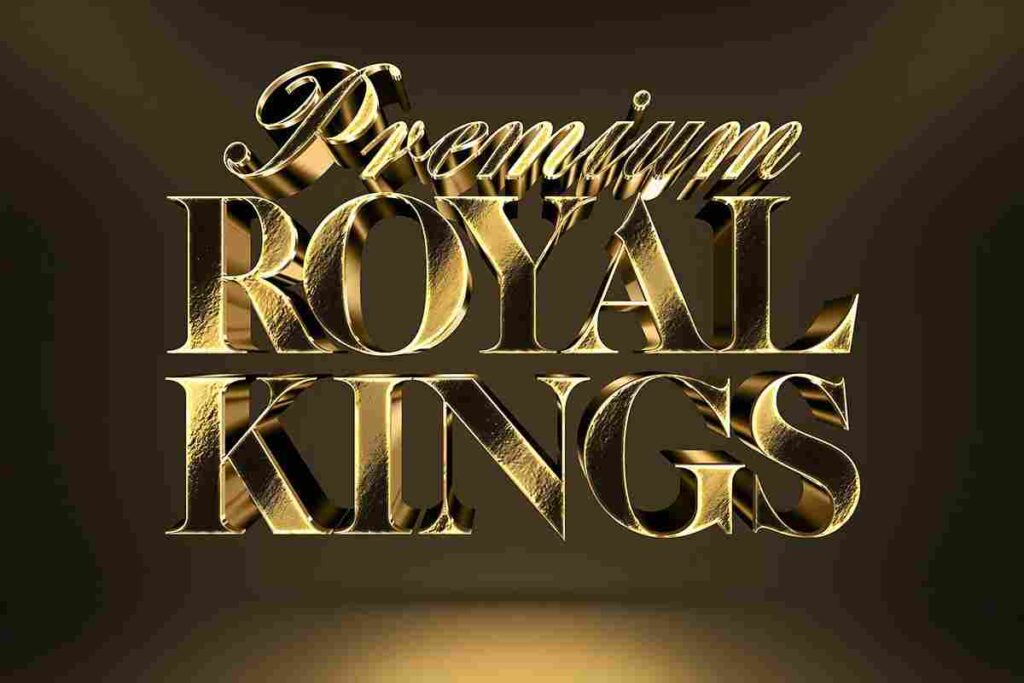
The Look: Rich, polished gold with realistic 3D depth and expensive-looking sheen.
Best for: Award certificates, jewelry branding, and luxury event invitations.
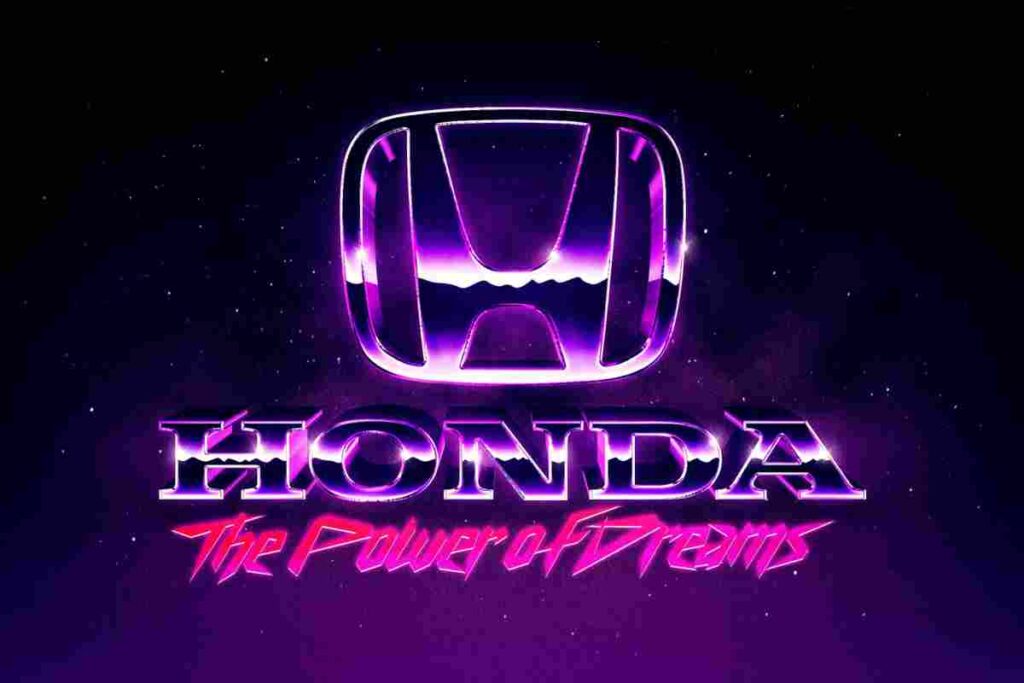
The Look: Gritty, neon-drenched, and heavily inspired by the digital grids of the 1980s.
Best for: Cyberpunk designs and retro-digital art.
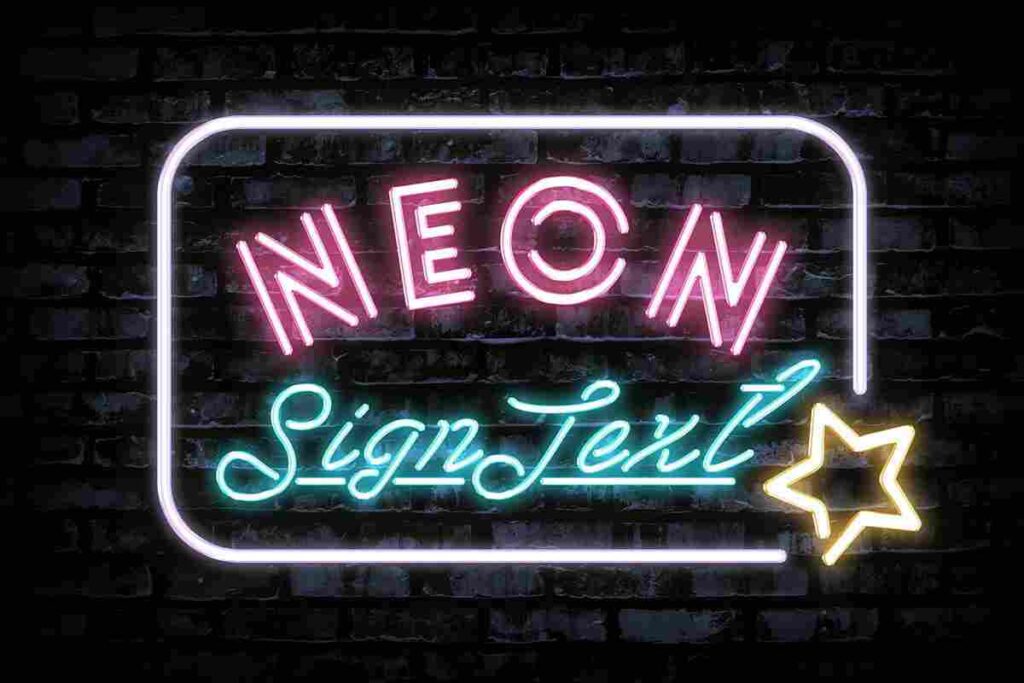
The Look: Glowing glass tubes with custom light flickers and realistic wall reflections.
Best for: Nightlife promotion, bar menus, and digital signage.
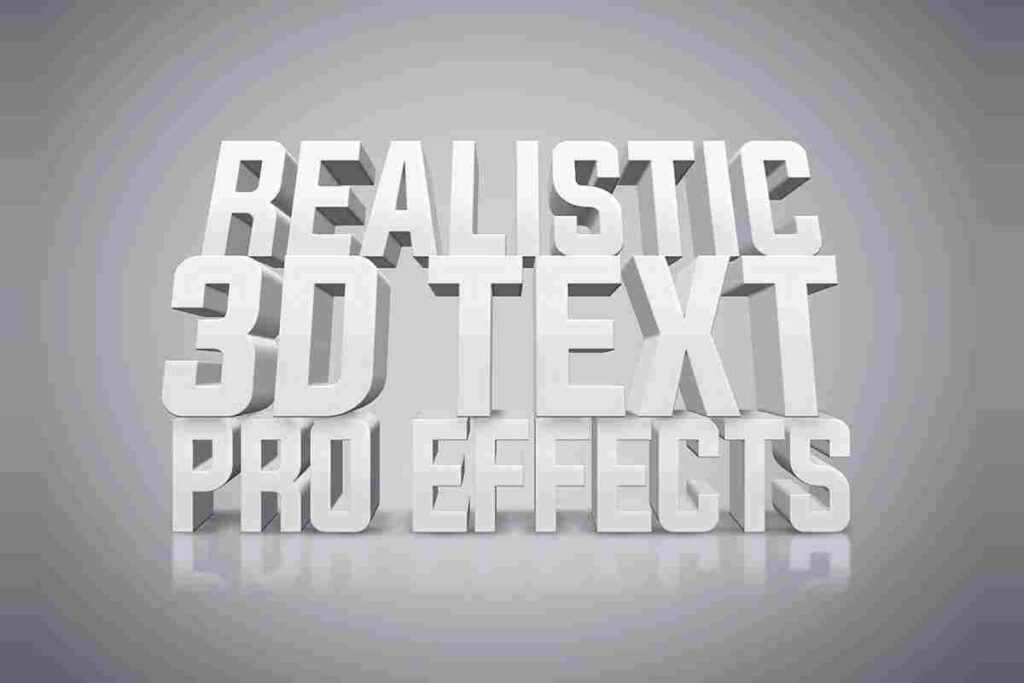
The Look: Clean, soft-shadowed 3D text that looks like physical 3D-printed letters.
Best for: Modern web headers, minimal architecture branding, and clean social media quotes.
Open the PSD: Double-click the thumbnail of the layer named “Edit Design” or “Your Text Here” (this is the Smart Object).
Enter Your Text: A new window will open. Type your text or paste your logo. Save ($Ctrl+S$ or $Cmd+S$).
Finalize: Go back to the original document to see the magic applied instantly!
Now that you have the text effects and the textures, would you like me to show you how to combine these Chrome Effects with the Grunge Textures from the first article for a trendy “Industrial-Vintage” look?