
TOP 10 Geometric & Liquid Intro Backgrounds (Rendered MP4/MOV Files)
Forget the hassle of complex software! This is a brand new collection of **10 free, ready-made motion backgrounds** focused on sleek liquid effects and clean geometric shapes. These files are pre-rendered HD video clips, perfect for adding instant professional polish to your YouTube or Twitch videos using any simple video editor.
✨ Top 10 to 1: Geometric & Liquid Templates
10. YouTube Clean Intro Video Background – Free Download
A pure, simple motion background with clean lines and subtle visual dynamics. Perfect for channels that prioritize clarity and non-distracting branding.
9. Streamer Channel Intro Background – Free HD Video
Designed specifically for live streamers, featuring a high-energy background movement that fills the screen without competing with your overlaid stream assets or logo.

8. Modern Creator Intro Video Background – Download Free
A stylish, contemporary background with smooth, deliberate transitions, offering a premium and polished look ideal for professional YouTube content.
7. Liquid Flow Intro Background – Free Download
Features an organic, flowing liquid animation that moves slowly and gracefully across the screen, adding a fluid and artistic touch to your introduction.
6. Smooth Liquid Motion Intro – Free Download
A minimalist take on liquid motion, using smooth, fast-paced transitions to give the introduction a high-energy, contemporary feel. Great for quick stingers.
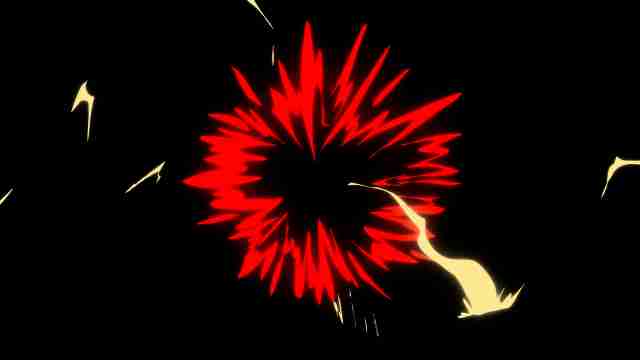
5. Clean Soft Gradient Intro Video Background – Free Download
A perfect choice for calm, professional content. This background uses subtle color shifts and smooth gradients to create a gentle, inviting visual atmosphere.

4. Minimal White Fade Intro Background – Free HD Video
An extremely clean, high-key background focused on soft, slow fades. Ideal for luxury brands, fashion content, or channels needing maximum contrast for black text/logos.
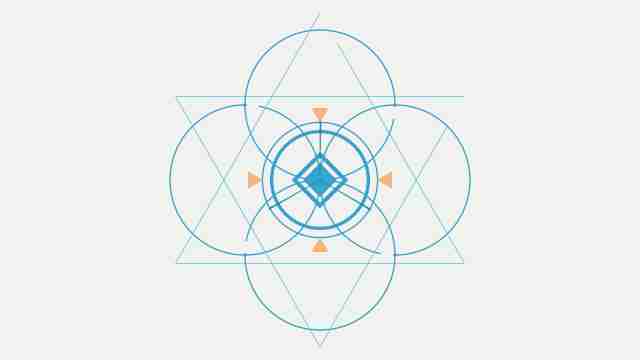
3. Simple Triangle Motion Intro Background – Download Free
A dynamic motion graphic featuring clean, animated triangles. The geometric focus is great for engineering, coding, or modern architectural review channels.
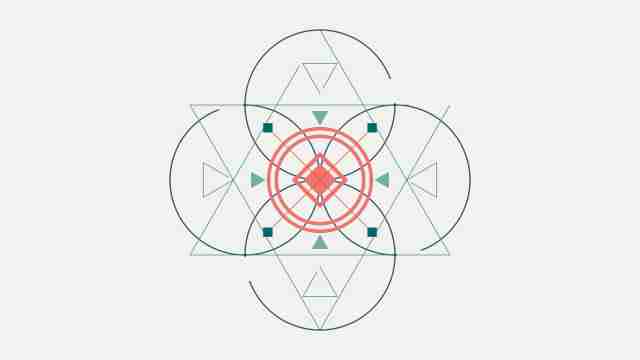
2. Simple Square Geometric Logo Intro – Free Download
Uses sharp, square shapes and angular motion to provide a professional, structured feel. Ideal for channels focused on design, business, or analytical content.
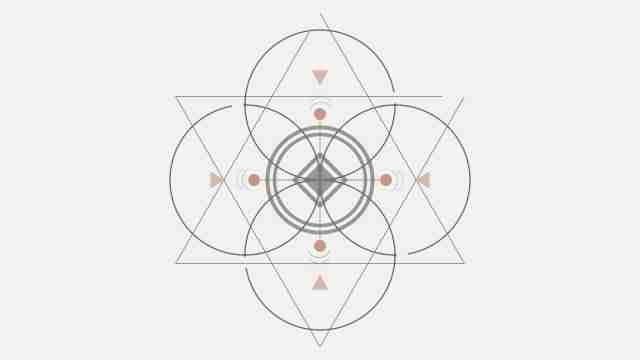
1. Simple Geometric Circle Logo Background – Free Download
A visually soft, but structured background utilizing circles and smooth curves. Provides a trustworthy and friendly look, suitable for community or general content creators.
💡 Quick Guide: How to Use These Video Backgrounds
Since these files are already rendered videos, integrating them into your content is simple. Here is how to use them in most popular free video editors:
1. Download the Video
- Click the "Download Video" link next to your chosen template. The file will typically be a high-quality MP4 or MOV clip.
2. Import into Your Editor
- Open your preferred video editing software (e.g., CapCut, DaVinci Resolve, iMovie, Filmora).
- Drag the downloaded background video onto your timeline (Track 1).
3. Add Your Brand Text/Logo
- Create a new text element or graphic layer on the timeline (Track 2, above the background).
- Align your text/logo to the center or a desired corner.
- Animate the text/logo to appear and disappear in sync with the background's motion.
4. Export
- Render the final video, typically using the H.264 codec, at 1080p (or 4K, if applicable) for optimal quality on YouTube and Twitch.