
10 Free Dramatic Smoke & Vortex Logo Reveals for Premiere Pro
Give your brand a mysterious and powerful introduction with this collection of 10 free dramatic logo reveal templates for Premiere Pro. These professional assets utilize intricate smoke, fog, particle, and vortex effects to create highly cinematic openers. Perfect for gaming channels, action trailers, or corporate videos that need a strong, atmospheric presence. Download these free Premiere Pro intros today and easily replace the logo in the project file to get started!
🌪️ 10 Atmospheric Smoke & Vortex Logo Reveals (.PRPROJ)
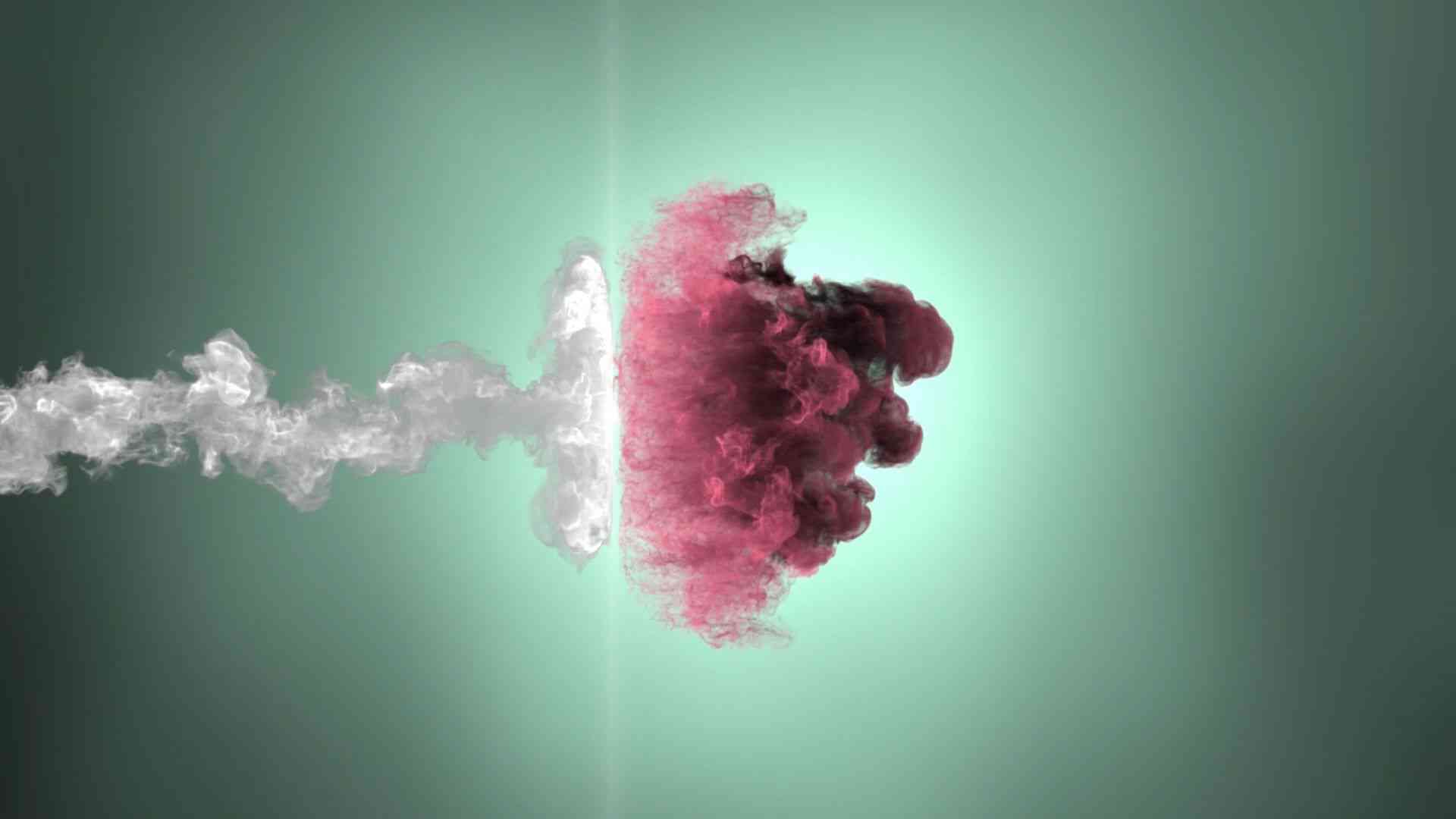
1. Smoky Dimensional Portal Intro
A mesmerizing Premiere Pro intro where the logo emerges from a swirling smoky dimensional portal. Ideal for sci-fi, gaming, or content requiring a mysterious and dynamic reveal.

2. Particle Fog Burst Logo Reveal
A spectacular logo reveal where fine particles and heavy fog burst outward, illuminating the logo. This template delivers a highly cinematic and dramatic feel to your opening sequence.

3. Dense Smoke Collapse Intro
A heavy and powerful dense smoke collapse effect, where the cloud dissipates rapidly to reveal the hidden logo. Excellent for intense or horror-themed content.
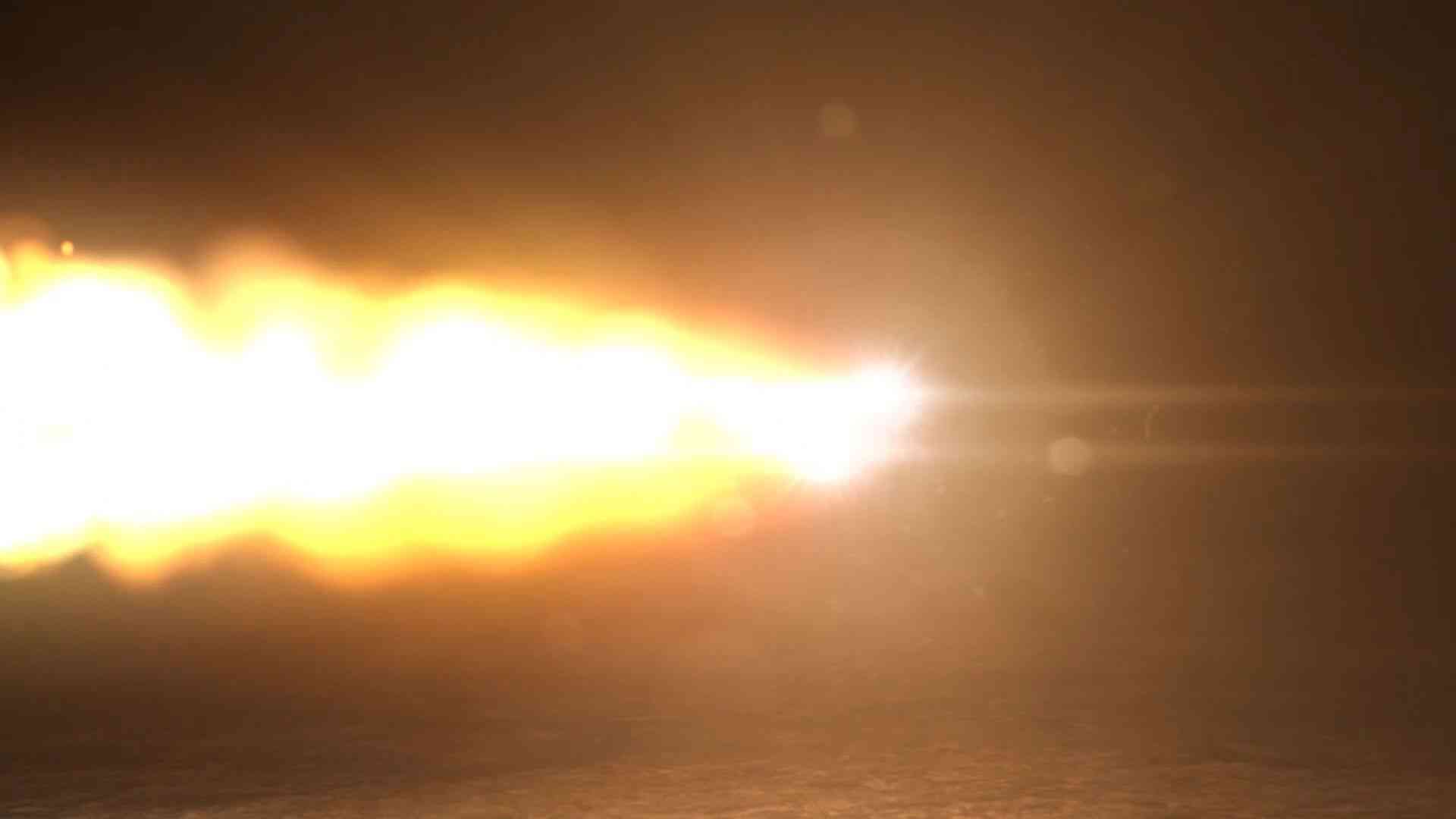
4. Vortex Impact Logo Opener
A highly dynamic Vortex Impact opener using rapid, swirling motion that pulls the viewers' eyes to the center, leading to a powerful logo reveal. Ideal for high-energy streams.

5. Shadow Fog Explosion Reveal
A truly dramatic logo reveal where the logo is unveiled through an explosion of shadow fog and soft light flares. This template adds depth and mystery to your branding.

6. Smoke Chamber Logo Intro
A sophisticated smoke chamber intro that simulates an enclosed space filling with atmospheric haze, giving the logo a powerful sense of arrival and presence.

7. Volumetric Storm Portal Intro
A fierce and intense Premiere Pro template using a volumetric storm portal effect. The complex light and smoke layers create a dynamic, professional-grade cinematic opener.

8. Deep Core Smoke Reveal
A powerful deep core smoke reveal where the logo is unveiled from the center of a dense, dark cloud. This is a highly effective, high-impact intro for any cinematic project.

9. Rising Fog Vortex Opener
This Premiere Pro opener uses a mesmerizing rising fog vortex that dissipates upwards, leaving the logo perfectly centered. A stylish and professional choice for business or vlogging.

10. Smoky Blast Cinematic Intro
The perfect smoky blast cinematic intro that utilizes a rapid, explosive smoke effect to reveal the logo in under 5 seconds. Ideal for high-impact and time-efficient openings.
🚀 Quick Usage Guide: Replacing Your Logo
These Premiere Pro project files (.prproj) are built with nested sequences, making the logo replacement process straightforward and quick.
Simple Usage Instructions:
- Step 1: Open the downloaded .prproj file in Adobe Premiere Pro.
- Step 2: In the Project panel, search for the sequence labeled "Logo Placeholder" or "Edit Logo Here".
- Step 3: Open this sequence and replace the existing placeholder logo with your own (PNG with transparency is best).
- Step 4: Your logo will automatically appear in the main cinematic sequence with all the dramatic smoke and particle effects applied.
❓ Frequently Asked Questions (FAQs)
What kind of logo works best with these smoke effects?
Logos with bold shapes and simple designs tend to interact best with the smoke, fog, and particle effects, ensuring high visibility during the reveal.
Can I change the color of the light or smoke?
Yes. Since these are full project files, you can usually adjust the colors of the light effects, particle glow, and smoke tints by modifying the color correction effects (like Lumetri Color) applied to the layers within the project.
Are these templates too slow for an intro?
Cinematic smoke reveals typically run between 5 to 10 seconds. You can easily adjust the duration in the main sequence by using the Rate Stretch Tool or Time Remapping in Premiere Pro.