
TOP 20 FREE After Effects Logo Templates for GAMING & STREAMERS
This is the ultimate collection of **20 high-quality, free After Effects (AE) project files** tailored for creators in the gaming, streaming, and tech spaces. These templates require Adobe After Effects for customization, offering you maximum flexibility to change logos, text, colors, and effects to perfectly match your brand.
🎬 Top 20 After Effects Templates (20 down to 1)

20. Frostbite Text Effect Opener ∣ Cold GAMING AE Template
A dramatic text opener where a layer of frost and ice quickly spreads across the screen, revealing the title beneath. Highly customizable for cold-themed or competitive content. (Requires Adobe After Effects)

19. Water Ripple Logo Transition ∣ Clean GAMING Template FREE
A peaceful and clean transition where the logo slowly appears through the distortion of a smooth water ripple effect. A gentle yet effective reveal. (Requires Adobe After Effects)

18. Toxic Gas Swirl Reveal ∣ Survival GAMING Intro Template
A gritty, atmospheric template where thick, swirling toxic gas clears rapidly to show your logo. Excellent for survival horror, post-apocalyptic, or dark-themed gaming content. (Requires Adobe After Effects)

17. Neon Lightning Fork Reveal ∣ Cyber GAMING After Effects Template
A sharp, aggressive reveal utilizing bright neon lightning forks that slash across the screen, briefly illuminating the logo. Perfect for cyberpunk, synthwave, or highly stylized tech channels. (Requires Adobe After Effects)

16. Flowing Lava River Stinger ∣ Epic GAMING AE Template FREE
An epic, intense template featuring fiery lava flowing across the logo, which then burns brightly through the texture. Excellent for fantasy RPGs, intense action, or "hot" topics. (Requires Adobe After Effects)

15. Abstract Energy Wave Dissolve ∣ Modern GAMING Intro AE
The logo dissolves into a field of pure energy waves before reforming. This provides a sleek, modern, and high-impact visual effect, perfect for contemporary gaming channels. (Requires Adobe After Effects)

14. Oceanic Plant Life Reveal ∣ Nature GAMING Template
A unique nature-themed reveal where organic, plant-like tendrils gently clear away the water, unveiling the logo beneath. Ideal for survival, exploration, or nature-focused content. (Requires Adobe After Effects)

13. Simple Plasma Lines Intro ∣ Minimal GAMING Intro Template
Features subtle, fast-moving plasma lines that cross the screen before forming a minimal, electric border around your logo. Great for clean, energetic intros. (Requires Adobe After Effects)

12. Hydro Vortex Logo Animation ∣ Fluid GAMING Opener FREE
A mesmerizing template featuring a water-based vortex animation that quickly swirls to pull the logo into focus. Ideal for water-themed games, fluid motion graphics, or clean branding. (Requires Adobe After Effects)
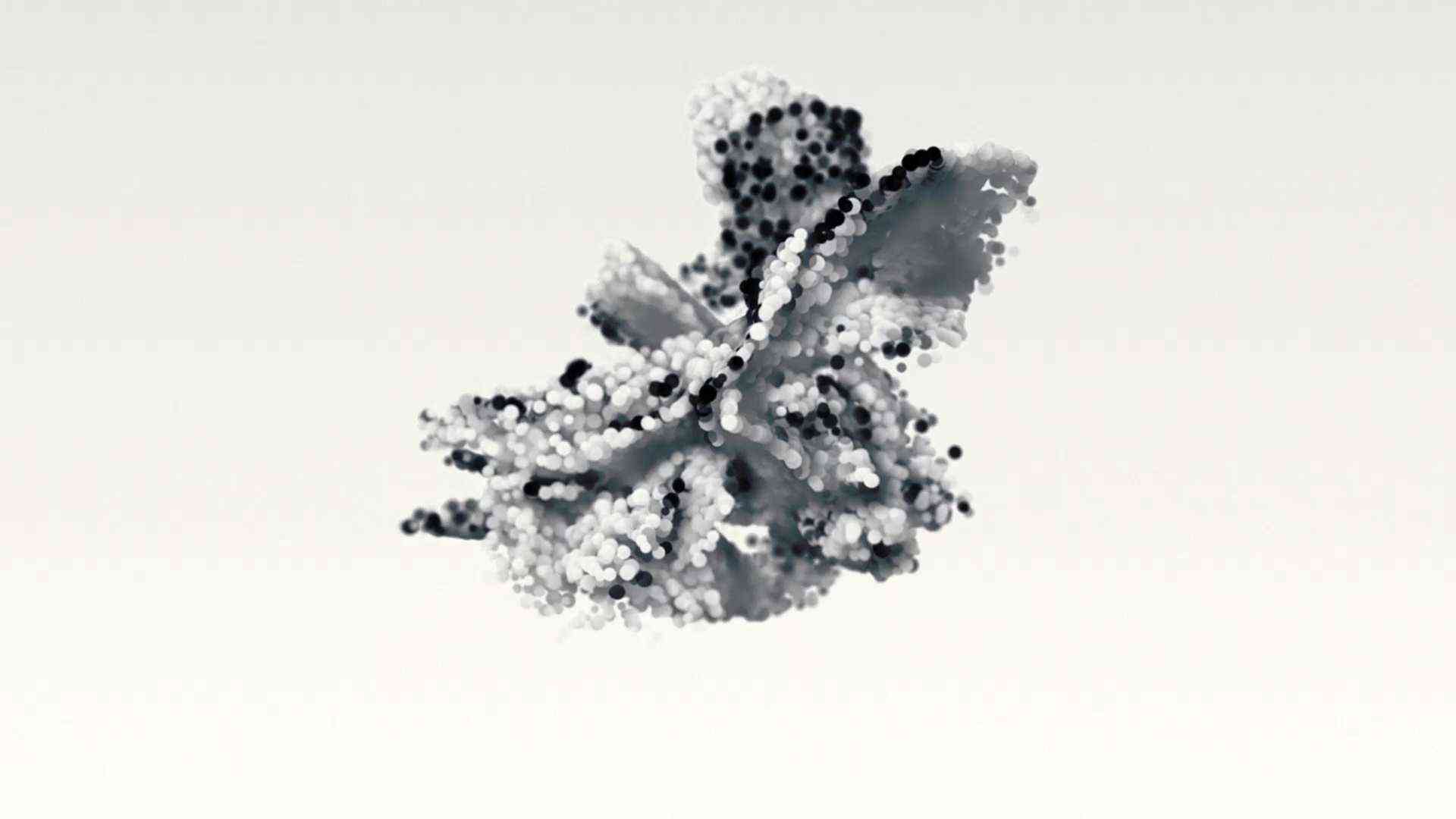
11. Blue Static Energy Grid Reveal ∣ Tech GAMING Intro – FREE After Effects Template
A high-tech reveal where static energy crackles across a blue grid before stabilizing to show your logo. Perfect for tech reviews, futuristic games, or cyberpunk streams. (Requires Adobe After Effects)
10. Ice Reflection Logo Reveal ∣ Cold GAMING AE Template
A cold, high-quality template where the logo appears reflected in a textured sheet of ice, emphasizing a sense of power and cold clarity. Excellent for competitive or serious gaming content. (Requires Adobe After Effects)
9. Rainy Night Urban Intro ∣ Cinematic GAMING Opener FREE
A moody, cinematic opener set against the backdrop of a rainy city street. This urban template provides an atmospheric, dark, and highly cinematic introduction. (Requires Adobe After Effects)

8. Liquid Transition Reveal Pack 2 ∣ Fluid GAMING Video Template
A versatile pack focusing on smooth, customizable liquid transitions that can be used to reveal text, logos, or cut between scenes. Suitable for fluid, fast-paced edits. (Requires Adobe After Effects)

7. Energy Ring Power Up Logo ∣ Sci-Fi GAMING After Effects Template
A classic sci-fi/fantasy power-up animation where rings of energy build up and explode, revealing the logo. Perfect for high-fantasy RPG or futuristic channels. (Requires Adobe After Effects)

6. Deep Sea Tentacle Reveal ∣ Horror GAMING AE Template FREE
A unique and unnerving horror-themed template where deep-sea tentacles briefly surround the logo before it is dramatically revealed. Ideal for horror, deep-lore, or survival gaming. (Requires Adobe After Effects)

5. Simple Water Flow Logo ∣ Clean GAMING Intro AE
A clean and serene logo reveal using gentle water flow and ripple effects. Offers a refreshing, minimal look for clean gaming or tutorial channels. (Requires Adobe After Effects)
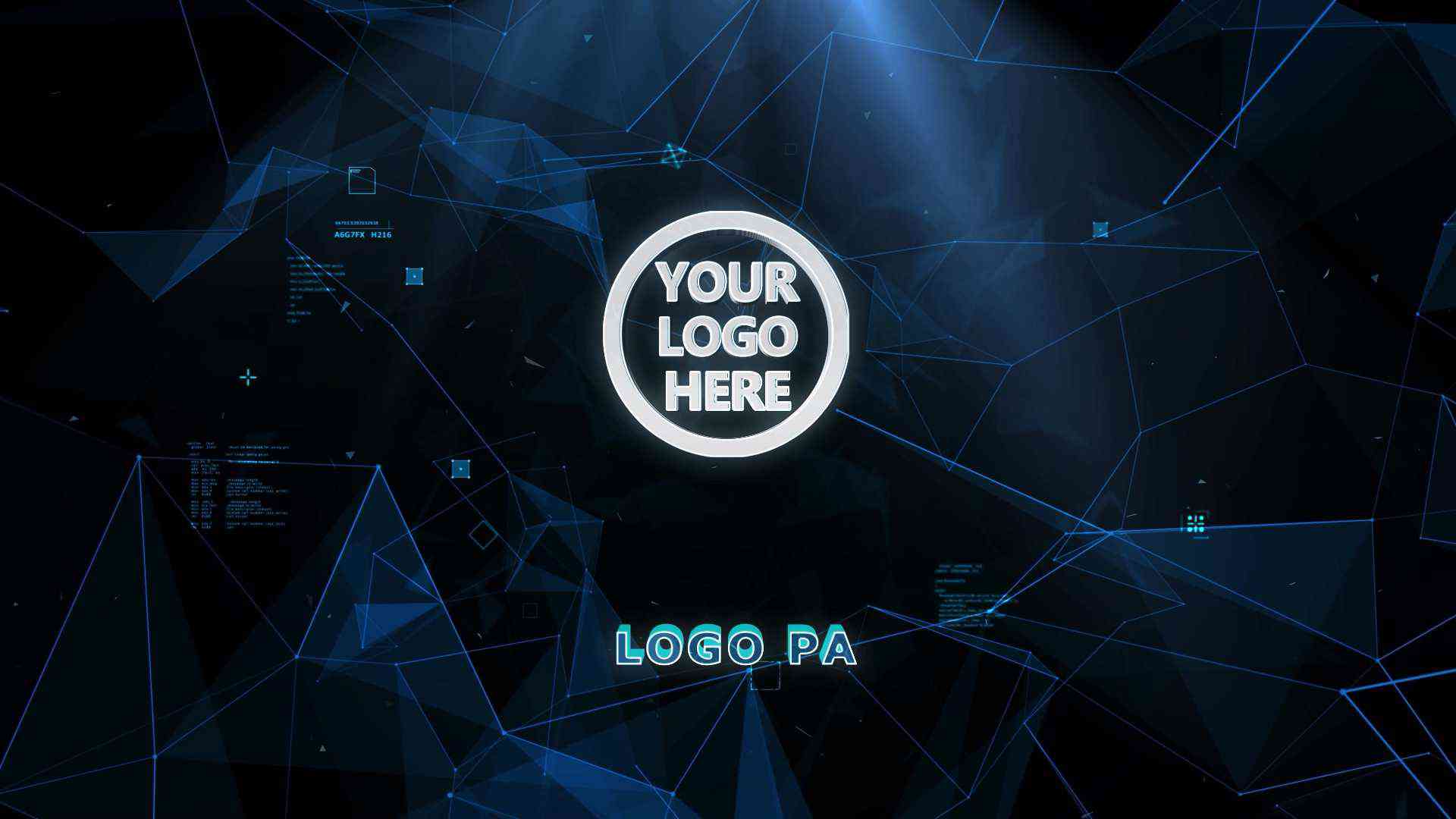
4. Electric Beam Logo Opener ∣ Action GAMING After Effects Template
A powerful, high-voltage opener where concentrated electric beams strike the screen, leaving your logo behind. Great for channels focused on technology, action, or racing games. (Requires Adobe After Effects)

3. Ice Texture Logo Stinger ∣ Winter GAMING Intro Template
A chilling and dramatic template where a sharp, icy texture breaks away to unveil your logo. Best suited for winter, survival, or intense cold-themed content. (Requires Adobe After Effects)

2. Abstract Fluid Particle Intro ∣ Modern GAMING AE Template FREE
A modern, artistic logo opener where thousands of fluid particles converge and dissolve to create a stunning, abstract reveal. Ideal for creative and modern gaming themes. (Requires Adobe After Effects)
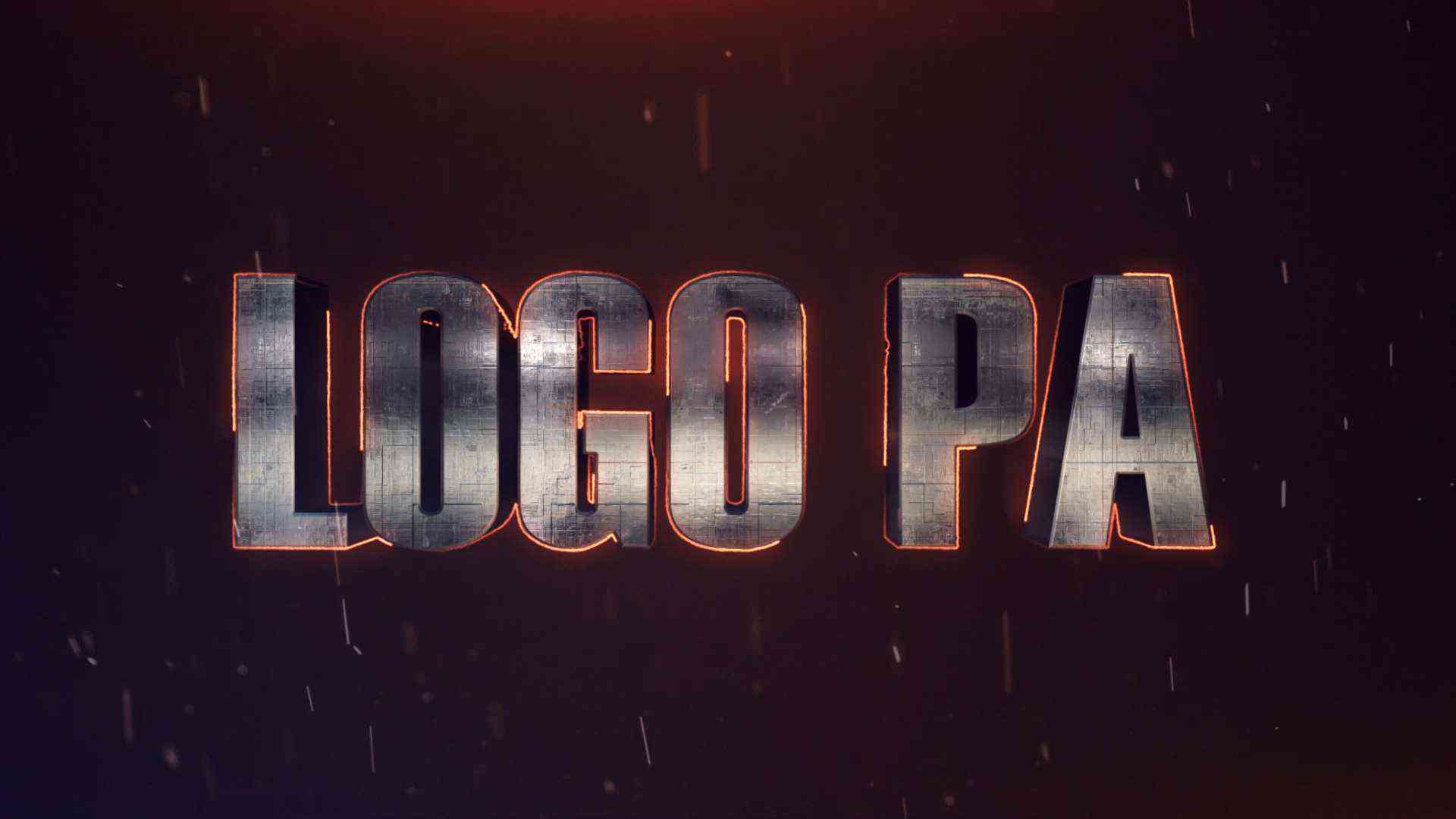
1. Energy Barrier Logo Stinger ∣ Sci-Fi GAMING Template FREE
A dynamic, high-impact sci-fi template featuring an intense energy field that dissolves to reveal your logo. Perfect for futuristic or action gaming channels. (Requires Adobe After Effects)
🛠️ Quick Guide: Customizing After Effects Templates
Remember: These AE templates allow you to replace graphics, change colors, and modify timing. Follow these general steps:
1. Download and Open
- Download the AE project file (.aep) and accompanying assets.
- Open the project file in Adobe After Effects.
2. Locate the Placeholder
- In the Project panel, look for a composition (Comp) clearly labeled "YOUR LOGO HERE", "Placeholder", or similar. Double-click this composition to open it.
3. Replace the Logo/Text
- Import your own logo (PNG with transparency recommended) into the Project panel.
- Drag your logo/text layer into the "YOUR LOGO HERE" composition, replacing or hiding the sample graphic. Ensure it fits the scale and position of the original placeholder.
4. Preview and Render
- Go back to the main composition (e.g., "Final Render").
- Preview the animation to ensure your logo is revealed correctly.
- Add the composition to the Render Queue and export the final video (e.g., H.264 MP4).