
10 Killer Premiere Pro Intro Templates You Can Download Right Now (100% Free)
Table of Contents
ToggleAn unforgettable intro is your video’s digital handshake. Whether you’re launching a YouTube channel, upgrading your brand’s video content, or building high-impact promo clips, a professional logo reveal sets the tone instantly.
To help you level up your video edits without breaking the bank, we’ve rounded up 10 of the best free Adobe Premiere Pro intro templates. From sleek cinematic reveals and high-energy glitch effects to modern gradient animations and bold gold particles, these customizable MOGRT and project files are ready to drag, drop, and transform your content—100% free.
A dramatic and atmospheric logo reveal featuring realistic swirling smoke effects that revolve and build up around your emblem before a sharp, impactful reveal. Engineered with rich volumetric fog, dynamic lighting, and cinematic motion curves, this template brings a bold, high-production feel to any video intro.
Format: .prproj (Premiere Pro)
Plugins Required: None
Resolution: Full HD (1920×1080)
Best Used For: Gaming Intros, Cinematic Trailers, Fitness & Action Channels, Mystery & Thriller Content
A commanding and high-impact logo reveal centered around a fierce lion graphic, blending sharp motion effects and cinematic flare overlays. Engineered with energetic transit graphics and strong visual contrast, this template is built to give your brand an authoritative, powerful, and memorable intro.
Format: .PRPROJ (Premiere Pro)
Plugins Required: None
Resolution: Full HD (1920×1080)
Best Used For: Esports Teams, Fitness Brands, Gaming Channels, Security & Defense Companies
A mystical and dynamic logo reveal featuring a glowing spectral wolf that surges forward in a wave of magical energy and light particles to reveal your logo. Built with high-impact visual effects, smooth motion curves, and vibrant contrast, this template delivers a captivating, modern intro for content creators and brands looking to make a fierce statement.
Format: .PRPROJ (Premiere Pro)
Plugins Required: None
Resolution: Full HD (1920×1080)
Best Used For: Gaming Channels, Esports Teams, Fantasy & Creative Content, Twitch Streamers
The 10 Free Premiere Pro Intro Templates You Need
Free to download
Futuristic and high-tech logo reveal featuring glowing HUD elements, digital grid lines, and advanced cybernetic graphics. Designed with smooth sci-fi motion effects, this template delivers a cutting-edge opener perfect for tech startups, gaming channels, AI platforms, cybersecurity brands, and software promos.
Format: logo maker
Plugins Required: None
Resolution: Full HD (1920×1080)
Best Used For: Gaming Channels, Tech Startups, Cyber Security, AI & Software Reviews, Sci-Fi Promos
Free to download
High-energy logo opener powered by digital distortion, twitch effects, and dynamic sound sync. Perfect for action content, sports edits, and edgy digital brands looking for a modern, fast-paced entrance.
Format: .MOGRT (Premiere Pro)
Plugins Required: None
Resolution: Full HD (1920×1080)
Best Used For: Esports, Gaming Vlogs, Action Sports, Urban Fashion Brands
Free to download
Atmospheric title reveal combining dramatic lighting, subtle particle sweeps, and elegant camera depth-of-field. Ideal for filmmakers and content creators looking to give their projects a high-end Hollywood trailer aesthetic.
Format: .MOGRT (Premiere Pro)
Plugins Required: None
Resolution: Full HD (1920×1080)
Best Used For: Movie Trailers, Documentaries, YouTube Intros, Event Teasers
Free to download
Luxurious logo opener featuring shimmering gold dust, elegant particle bursts, and rich metallic reflection effects. Gives your brand a prestigious, high-end feel in seconds.
Format: .MOGRT (Premiere Pro)
Plugins Required: None
Resolution: Full HD (1920×1080)
Best Used For: Luxury Brands, Jewelry Ads, Award Shows, Real Estate
Free to download
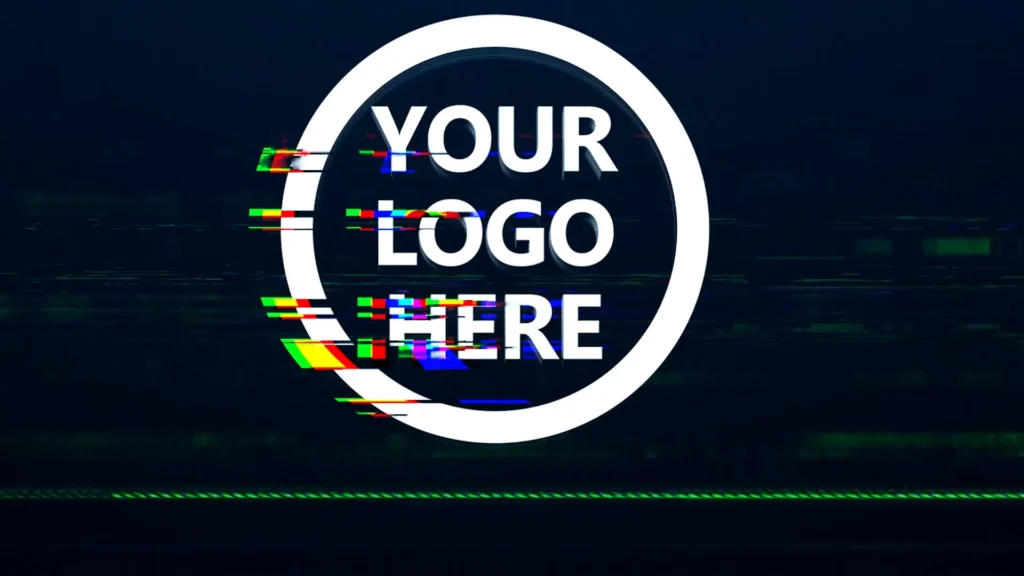
A dynamic and high-energy logo opener driven by digital twitch effects, sharp RGB splits, and crisp distortion transitions. Designed to deliver an aggressive visual impact in seconds, this template is ideal for content creators and brands wanting a modern, tech-forward intro.
Format: .PRPROJ (Premiere Pro)
Plugins Required: None
Resolution: Full HD (1920×1080)
Best Used For: Gaming Channels, Tech Reviews, Action Edits, Esports Content
Free to download

A clean and seamless 3D logo reveal featuring a continuous rotating loop effect with soft lighting and metallic reflection highlights. Designed for versatile branding, this smooth animation allows your logo to spin effortlessly, making it perfect for persistent screen watermarks, video overlays, and modern corporate intros.
Format: .MOGRT (Premiere Pro)
Plugins Required: None
Resolution: Full HD (1920×1080)
Best Used For: Corporate Branding, Broadcast TV, Podcast Watermarks, Social Media Overlays
Free to download
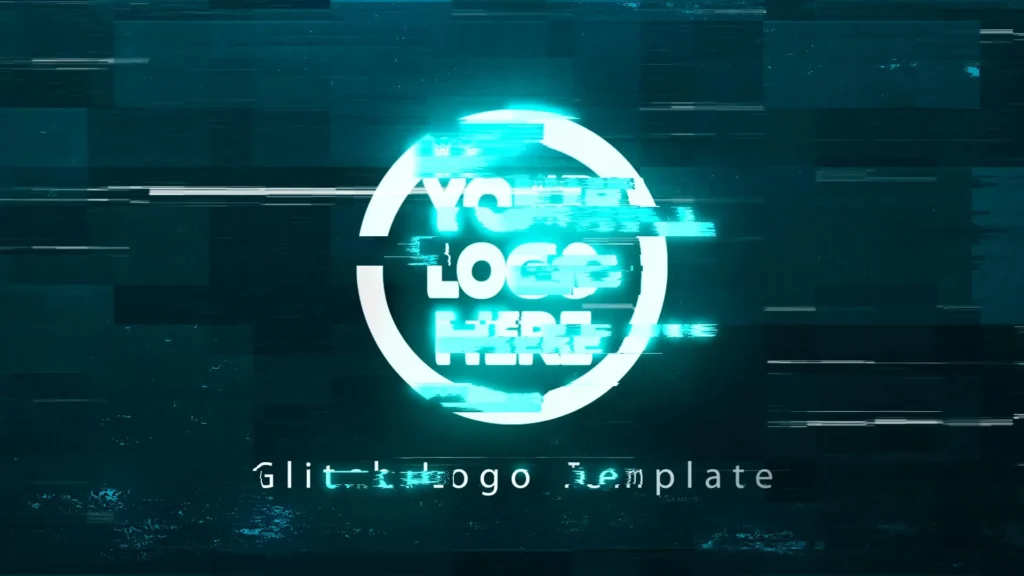
Built with high-end polished surfaces and clean motion design, this template gives your emblem an ultra-premium, professional look.
Format: .MOGRT (Premiere Pro)
Plugins Required: None
Resolution: Full HD (1920×1080)
Best Used For: Corporate Branding, Premium Product Promos, Luxury Goods, Executive Presentations
Free to download
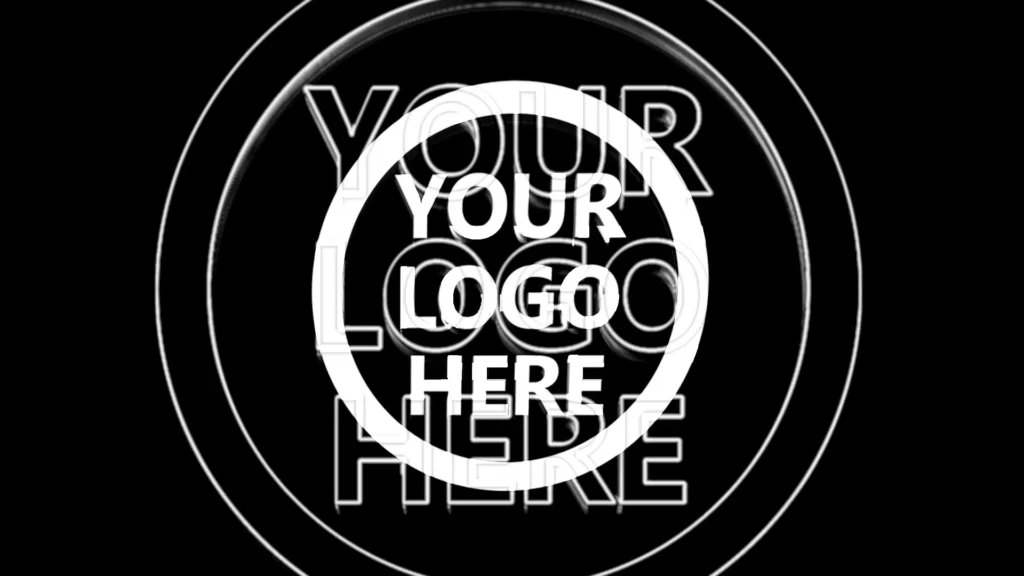
A playful and lively logo reveal driven by bouncy spring dynamics, energetic pops, and smooth speed ramping. Designed to add a fun and friendly vibe to your video openers, this template is perfect for youth-oriented content, casual channels, and vibrant brand intros.
Format: .PRPROJ (Premiere Pro)
Plugins Required: None
Resolution: Full HD (1920×1080)
Best Used For: Educational Videos, Kids Channels, Mobile App Promos, Casual Vlogs
Free to download

A sleek and modern logo reveal featuring smooth gradient color transitions, elegant shape morphing, and fluid motion design. Designed with vibrant color shifts and clean geometry, this template gives your emblem a contemporary, polished look that stands out instantly.
Format: .PRPROJ (Premiere Pro)
Plugins Required: None
Resolution: Full HD (1920×1080)
Best Used For: Design Agencies, SaaS Products, Lifestyle Vlogs, Creative Studios
Free to download
A minimalist and elegant logo opener featuring dynamic shape transitions, crisp typography reveals, and smooth line vector animations. Clean, versatile, and quick to load, this template gives your emblem a modern and polished look that fits seamlessly into any creative production.
Format: .PRPROJ (Premiere Pro)
Plugins Required: None
Resolution: Full HD (1920×1080)
Best Used For: Corporate Presentation, Minimalist Branding, YouTube Channel Intros, Tech Startup Promos
How to Install a .MOGRT Template in Premiere Pro
Motion Graphics Templates (.MOGRT) are pre-designed animations that allow you to customize graphics directly inside Adobe Premiere Pro without opening After Effects. Follow these simple steps to install them:
Open Essential Graphics Panel: In Premiere Pro, go to the top menu and select Window > Essential Graphics.
Import the .MOGRT File: Click the “+” (Install Motion Graphics Template) button located at the bottom-right corner of the Essential Graphics panel.
Locate Your File: Browse to the downloaded .mogrt file on your computer, select it, and click Open.
Drag and Drop to Timeline: Switch to the Browse tab in the Essential Graphics panel, search for your template, and drag it directly onto your video sequence timeline.
Pro Tip: If you have multiple .MOGRT files, go to Options (three lines menu in Essential Graphics) > Add Local Folder Collection to install a whole folder at once!
How to Customize a .PRPROJ Template in Premiere Pro
Premiere Pro Project files (.PRPROJ) give you full control over every element of the logo reveal, including layers, sound effects, and timing. Here is how to replace the placeholders with your own logo:
Open the Project File: Unzip your downloaded folder and double-click the .prproj file to launch it in Premiere Pro.
Locate the Logo Placeholder: In the Project Panel, find a folder usually named “Edit Here”, “Placeholders”, or “Logo Here”. Double-click the “Edit Logo” sequence to open it.
Replace with Your Logo: Import your PNG logo file (preferably with a transparent background), drag it into the Edit Logo sequence, and hide or delete the default placeholder image.
Adjust Text and Colors: Open the main Render or Final Output sequence to preview the reveal. Go to the Essential Controls or Effects Controls panel to tweak text layers, color controls, and background settings.
Export Your Video: Once customized, go to File > Export > Media (or press Ctrl+M / Cmd+M) to render your final logo intro.
Final Thoughts & Recommendations
Choosing the right intro sets the tone for your entire video project and instantly grabs your viewer’s attention. With these 10 free Premiere Pro templates, you can easily create high-impact, professional logo reveals in just a few clicks. Simply download your favorites, import them into Premiere Pro, and customize them to fit your brand identity today.
Looking to expand your editing suite even further? Check out our collection of high-quality After Effects intro templates for more advanced motion graphic options, or seamlessly blend your scenes together using our ultimate pack of free Premiere Pro transitions.