
Table of Contents
ToggleLooking to make your video edits more dynamic and professional? We’ve compiled 100+ free Davinci Resolve transitions that are easy to use, fast to apply, and perfect for all types of video projects. From smooth fades to cinematic wipes, these transitions will save you time and elevate your content instantly.
If you want to level up your projects, you’ve come to the right place. We have a long list of transition styles ready to add instantly to your DaVinci workflow. You can customize them to match your style with just a few clicks.
This trendy variety pack from The Resolve Store is a great way to speed up your workflow and modernize your videos. This 10-pack includes variations of shake, glitch, lens distortion, pan, push, spin, swirl, whip, film roll, and zoom transitions.
If you’re a fan of the green code raining down the screen from the Matrix film, try this out. This very cool package includes 5 free high-quality transitions for DaVinci Resolve. You also get 1 background, 6 effects, 3 LUT presets, and 4 titles.
This modern transition effect from MotionVFX keys out the highlights/shadows from one shot to the next. Pretty cool right? The possibilities are endless as you can customize and combine effects such as pixelation, half-tone, border, and saturation.
This matrix-inspired package offers 3 LUT presets to add to your next project. The kit also includes 5 transitions and 4 titles that match the style.
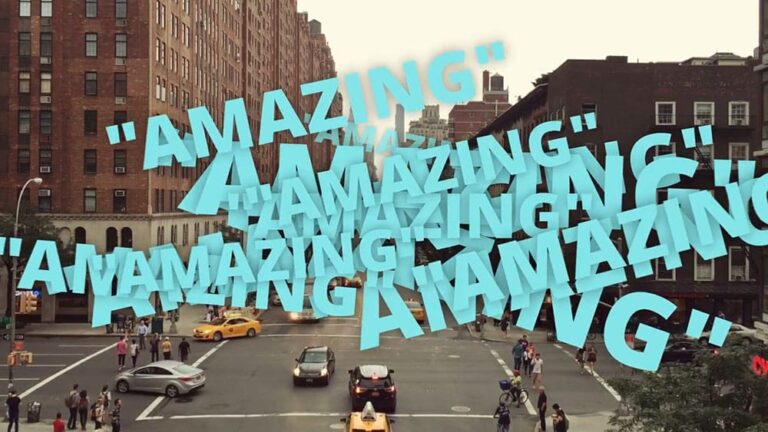
With this graphic transition from Motion Array, you can use titles to advance to the next shot. These are great for emphasizing a brand message or enhancing a promo. Adjust the font and colors to match your project.
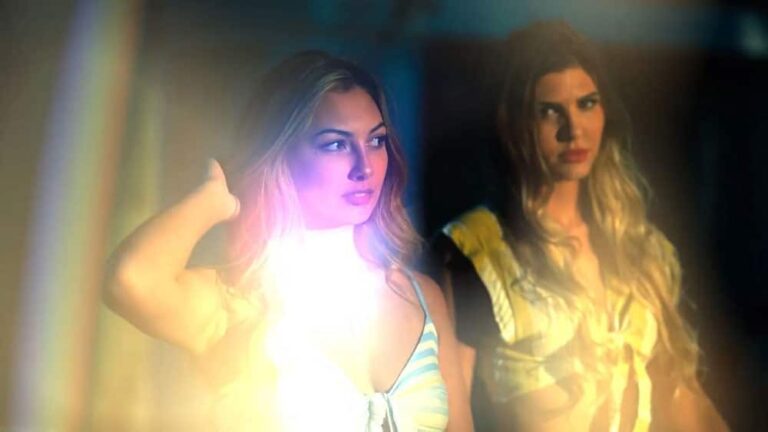
This is a great pack of 20 free drag-and-drop animated transitions. These are very useful for a variety of videos such as promotions, intros, openers, events, teasers, slideshows, and travel docs.

Looking for an energetic whip from one scene to the next? Try out this motion blur swipe from Mixkit. When using these quickly one after another, they drive the action forward, almost creating a film strip effect.
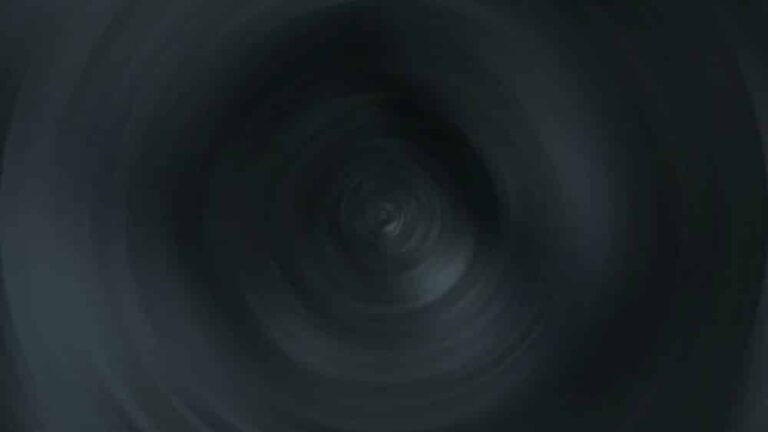
This is one of those free DaVinci Resolve transitions that pairs well with round shapes, such as wheels, clocks, and eyes. Match framing in combo with this transition is engaging.

This is another single, blur, and distort transition from Mixkit. This twisting motion works nicely with top-down angles.

Next, we have a similar twisting transition with a center variation. This is useful when transitioning to a flashback or speeding through time.

This free solo transition for DaVinci Resolve splits the top and bottom half of the frame in opposite directions. This is great for before and after shots. Also useful for presentations.
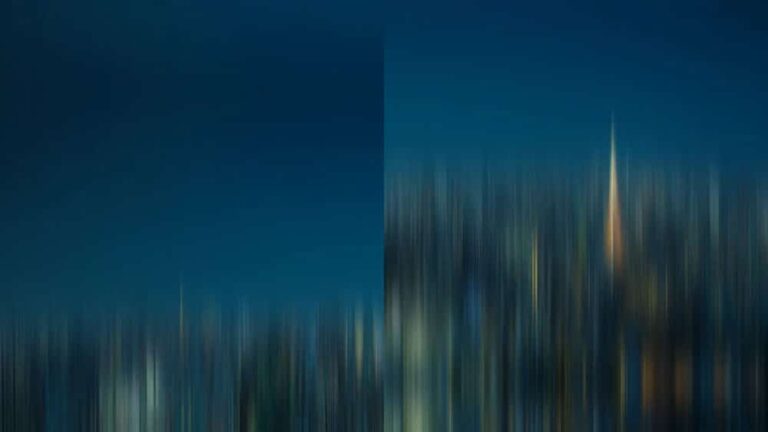
Next, we have a single transition that splits the frame vertically. A slight motion blur is added to the upward and downward movements for a smooth effect.
Deliver several messages and a logo all at once with this colorful and energetic intro from Mixkit. It comes with 4 text placeholders and 1 logo placeholder. Ideal for that punchy promotional content.
This concludes our collection of free DaVinci Resolve transitions to try for your next project. Next, let’s cover how to install these effects so you can get started with just a few clicks.
DaVinci Resolve is a powerful and versatile tool that covers the entire post-production process, from editing to color correction and audio mastering, making it a popular choice in the filmmaking and video production industry.
Here are some of the benefits of using DaVinci Resolve:
Advanced Color Correction & Grading: DaVinci Resolve’s powerful color tools allow precise adjustments, color matching, and creative grading to achieve the desired visual style and mood.
Professional Video Editing: The software offers a non-linear editing interface with a robust set of editing tools. It supports multi-camera editing, trimming, transitions, and effects, making it suitable for editing projects of varying complexities.
Fusion Visual Effects: DaVinci Resolve includes the Fusion visual effects module, allowing users to create advanced composites, animations, and motion graphics directly within the software.
Fairlight Audio Post-: Fairlight, the integrated audio post-production section, provides tools for audio editing, mixing, and mastering. You can fix audio issues, add effects, and enhance sound quality.
Collaboration: DaVinci Resolve features collaboration tools that enable multiple editors, colorists, and audio professionals to work simultaneously on the same project.
Integrated Workflows: The software offers an all-in-one editing, color correction, and audio post-production solution. This integration eliminates the need to use multiple software tools for different stages of post-production.
High Dynamic Range (HDR) Support: DaVinci Resolve supports various HDR formats, allowing you to work with high-quality footage that takes advantage of the extended dynamic range and improved color accuracy.
GPU Acceleration: DaVinci Resolve makes use of GPU acceleration, which speeds up rendering and playback, allowing for real-time previews and quicker editing decisions.
Wide Format Support: The application supports a wide range of video formats, resolutions, and frame rates, making it suitable for various projects.
Download – Click the download link for each transition pack.
Install – Follow the included instructions (usually import into the Fusion or Effects Library).
Apply – Drag and drop the transition onto your timeline between clips.
Customize – Adjust duration, colors, or effects to fit your project.
Save Presets – Save your favorite transitions for faster editing next time.
Q1: Are these transitions really free?
Yes, all listed transitions are free to download and use. Some may have premium versions, but free versions are fully functional.
Q2: Will they work on all versions of Davinci Resolve?
Most work on Davinci Resolve 17 and later. Check each pack for version requirements.
Q3: Can I use these transitions in commercial projects?
Yes, but always verify the license of each transition pack to be sure.
Q4: Do I need Fusion knowledge to use them?
No, most transitions are beginner-friendly. Some advanced packs may offer additional customization in Fusion.
These 100+ free Davinci Resolve transitions are perfect for video editors of all levels. They will help you add professional-looking effects, speed up your editing workflow, and make your projects stand out. Download and start experimenting today!
Tags: Cinematic TransitionsDavinci ResolveFree Transitionssmooth transitions